
Sep 28, 2026
- [Connect Lovable apps to the live web with Parallel](https://parallel.ai/blog/lovable-parallel)
Author: By Parallel
June 9, 2026
_Updated September 28, 2026: OpenClaw doesn’t select Parallel Search (Free) automatically. This post now shows the plugin install and the `parallel-free` provider setting._
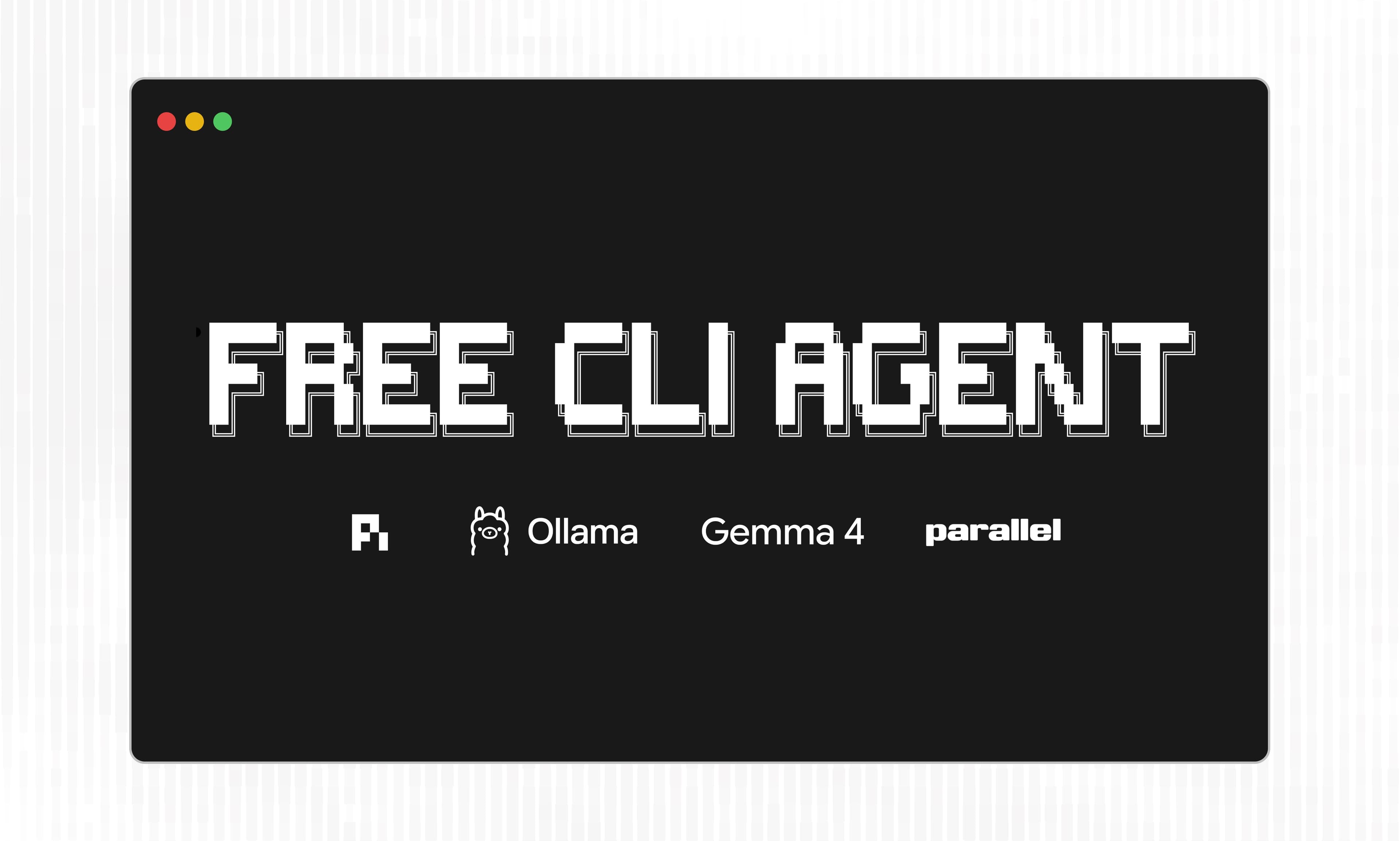
OpenClaw can run web searches through Parallel for free, with no API key, using the Parallel Search (Free) provider. For personal use, the included limits are generous enough to cover everyday research, coding lookups, and agent runs.
Power users of OpenClaw with significant search volumes can still add a Parallel API key for pay-as-you-go usage.
OpenClaw doesn’t auto-select key-free providers, so new installs need one setup step: tell your agent to switch to Parallel free web search, or run the commands below. Then ask your agent something that needs the web, and it searches and returns grounded answers with sources.
Already running OpenClaw with a different search provider? You have two ways to switch.
123openclaw plugins install @openclaw/parallel-plugin
openclaw gateway restart
openclaw config set tools.web.search.provider parallel-free``` openclaw plugins install @openclaw/parallel-pluginopenclaw gateway restartopenclaw config set tools.web.search.provider parallel-free``` Once your OpenClaw searches through Parallel, you can extend its capabilities further by installing the Parallel CLI[Parallel CLI]. The CLI gives OpenClaw more ways to make the web work for you:
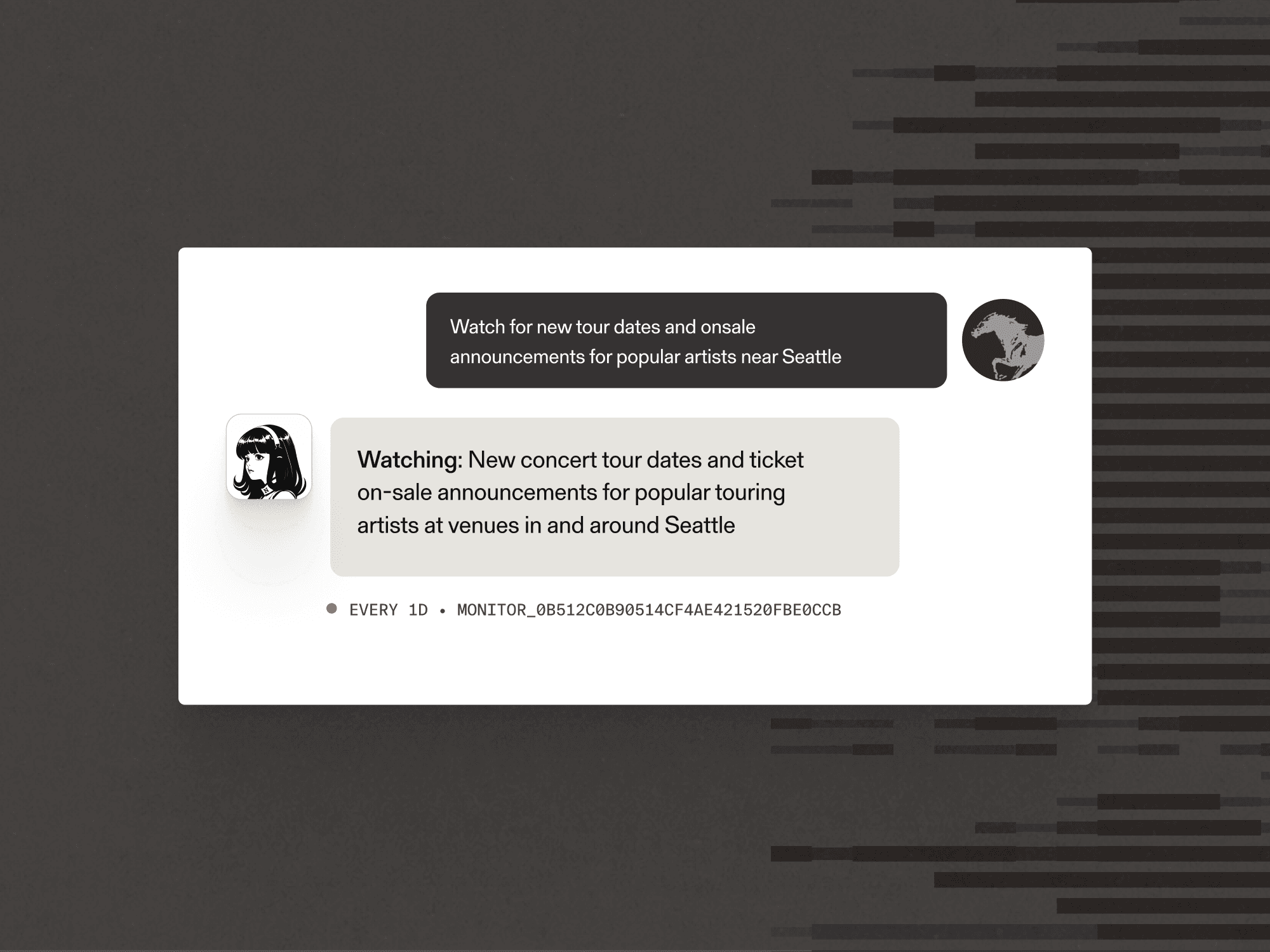
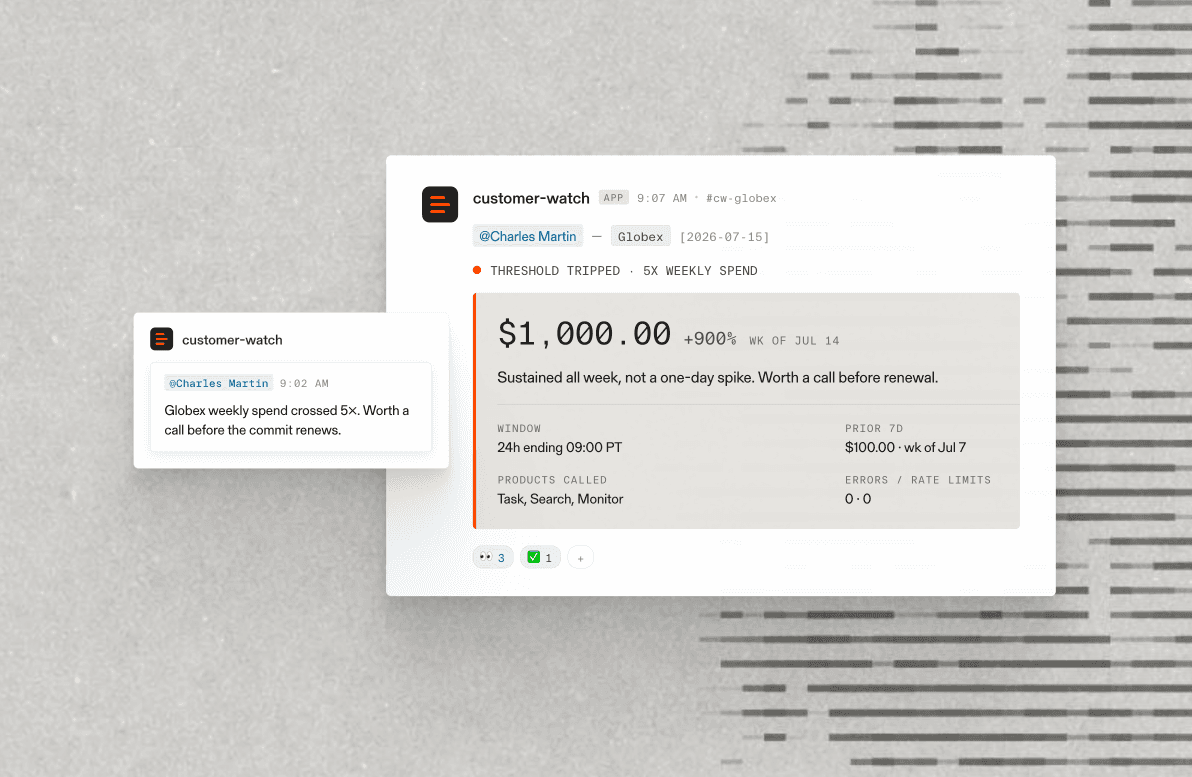
Each one runs through the same Parallel key, so you can compose them into a single workflow: monitor for an event, extract the page, research the context, all from OpenClaw.
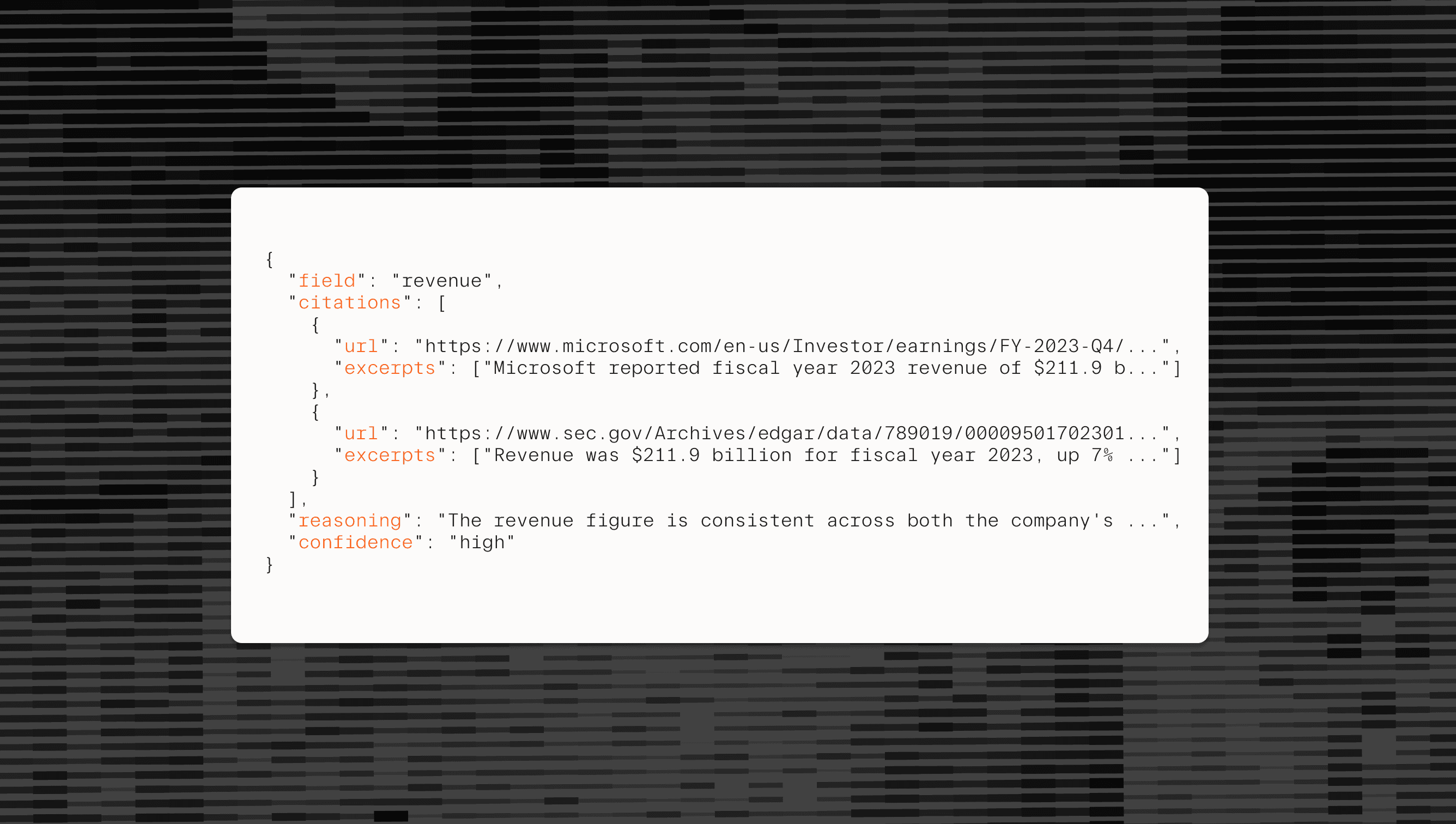
We built our web index to serve AI, not human clicks. Results come back as dense, ranked excerpts sized for an agent's context window, so OpenClaw gets more signal per token and makes fewer round trips to find an answer.
In summary, Parallel Search is:
With browser use, your agent drives a real browser the way a person would: load the page, render the JavaScript, read what's on screen, and click to the next step. It's the most flexible approach, but it’s the slowest and most wasteful.
With a headless browser, you drop the visible window but keep the navigation of website content. Your code still loads and renders each page, then parses the HTML to pull out what matters. That's faster than full browser use, but only marginally and still extremely inefficient. Both browsing options can be useful for navigating a page on the user’s behalf to perform actions like filling out forms, but for information-seeking queries, using a browser is extremely wasteful.
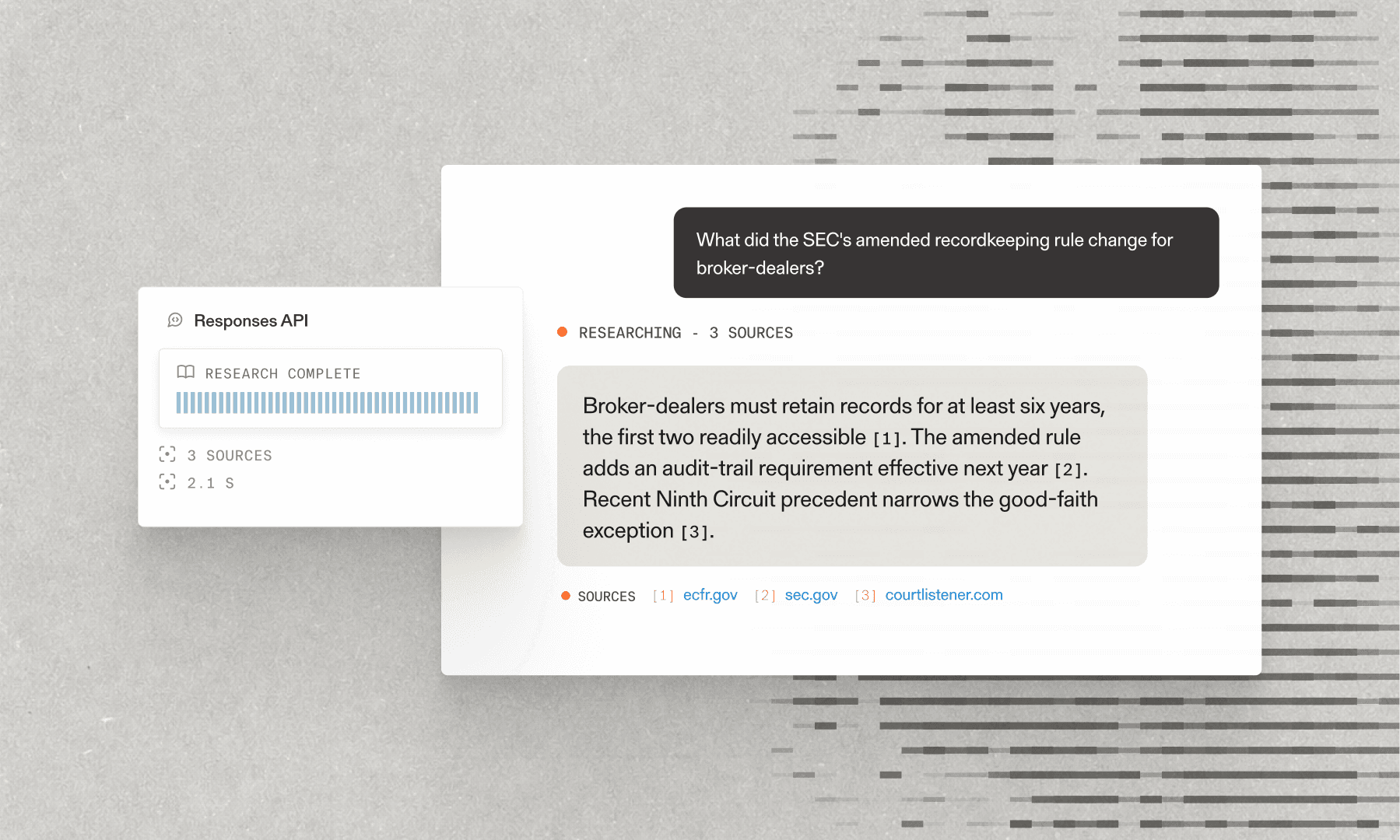
With a search API, your agent simply declares what it's looking for, and Parallel returns the relevant ranked page excerpts in ready-to-read JSON.
Install OpenClaw and the Parallel plugin, then set your web search provider to “Parallel Search (Free)” (`parallel-free`).
To go further with deep research, monitoring, and extraction, grab a Parallel API key at platform.parallel.ai[platform.parallel.ai] and explore the CLI and APIs in our docs[docs].