Oct 22, 2026
- [Introducing data residency in Europe](https://parallel.ai/blog/eu-data-residency)
Tags:Product
Author: By ParallelApril 23, 2026

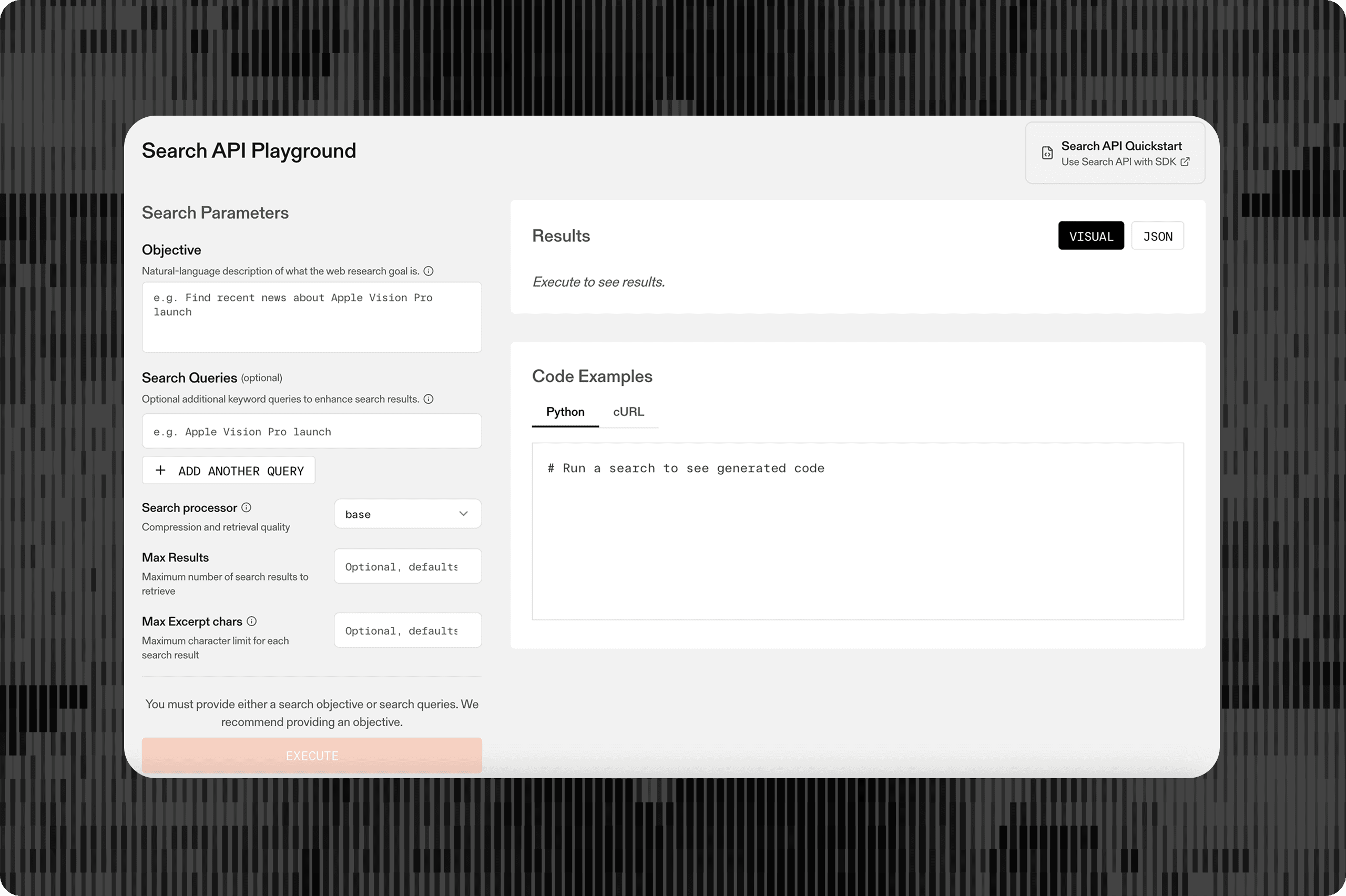
Parallel Search gives AI agents real-time web access built for LLMs, with dense excerpts, native markdown, and an index of billions of pages.
Starting today, it's free by default for agents and AI tools like Cursor, Claude Code, OpenClaw, Hermes Agent, and OpenCode. No account or API key necessary.
Get started: docs.parallel.ai/integrations/mcp/search-mcp[docs.parallel.ai/integrations/mcp/search-mcp]
The Model Context Protocol (MCP) is the emerging standard for connecting AI agents to external tools and data sources. The Parallel Search MCP gives your agent two capabilities:
Parallel Search[Parallel Search] used to require an account and an API key. Now, anyone can point their agent at our MCP server and start searching.
1claude mcp add --transport http "Parallel-Search-MCP" https://search.parallel.ai/mcp``` claude mcp add --transport http "Parallel-Search-MCP" https://search.parallel.ai/mcp``` 1234567891011Please install the Parallel Search MCP so that YOU (the coding agent I'm currently talking to) can call it.
- Server URL: https://search.parallel.ai/mcp
- Transport: Streamable HTTP
- Authentication: default to no auth — the server is free to use without an API key or OAuth. If I want higher rate limits I can create an account at https://platform.parallel.ai and either pass my API key as a Bearer token in the Authorization header OR point the config at https://search.parallel.ai/mcp-oauth (OAuth flow). Ask me which I prefer before wiring up auth; don't configure auth if I haven't opted in.
First, identify which MCP client harness you're running inside (Claude Code, Codex, Cursor, VS Code Copilot, etc.) — this is your own host, not a third-party tool. Then add the server to THAT client's MCP config, using the mechanism that host expects (e.g., claude mcp add for Claude Code, editing ~/.codex/config.toml for Codex, editing ~/.cursor/mcp.json for Cursor). Do not install it into a different client's config.
Finally, tell me whether the harness needs to be restarted for the new server to load (many clients pick up mcp.json changes only on restart), then confirm the server connects and list the tools it exposes.``` Please install the Parallel Search MCP so that YOU (the coding agent I'm currently talking to) can call it. - Server URL: https://search.parallel.ai/mcp - Transport: Streamable HTTP - Authentication: default to no auth — the server is free to use without an API key or OAuth. If I want higher rate limits I can create an account at https://platform.parallel.ai and either pass my API key as a Bearer token in the Authorization header OR point the config at https://search.parallel.ai/mcp-oauth (OAuth flow). Ask me which I prefer before wiring up auth; don't configure auth if I haven't opted in. First, identify which MCP client harness you're running inside (Claude Code, Codex, Cursor, VS Code Copilot, etc.) — this is your own host, not a third-party tool. Then add the server to THAT client's MCP config, using the mechanism that host expects (e.g., claude mcp add for Claude Code, editing ~/.codex/config.toml for Codex, editing ~/.cursor/mcp.json for Cursor). Do not install it into a different client's config. Finally, tell me whether the harness needs to be restarted for the new server to load (many clients pick up mcp.json changes only on restart), then confirm the server connects and list the tools it exposes.``` **Why use Parallel Search vs. the default search in Claude?**
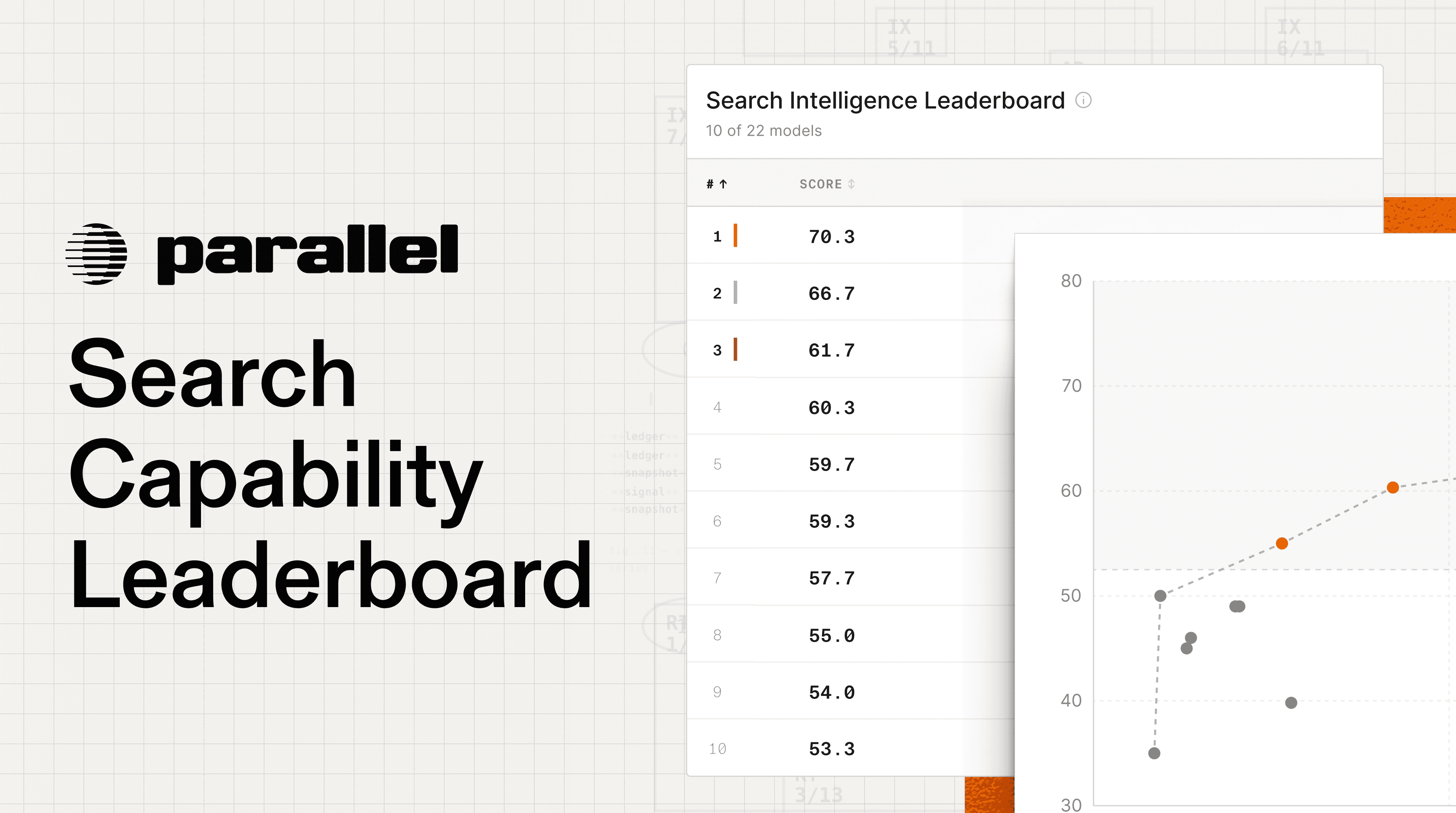
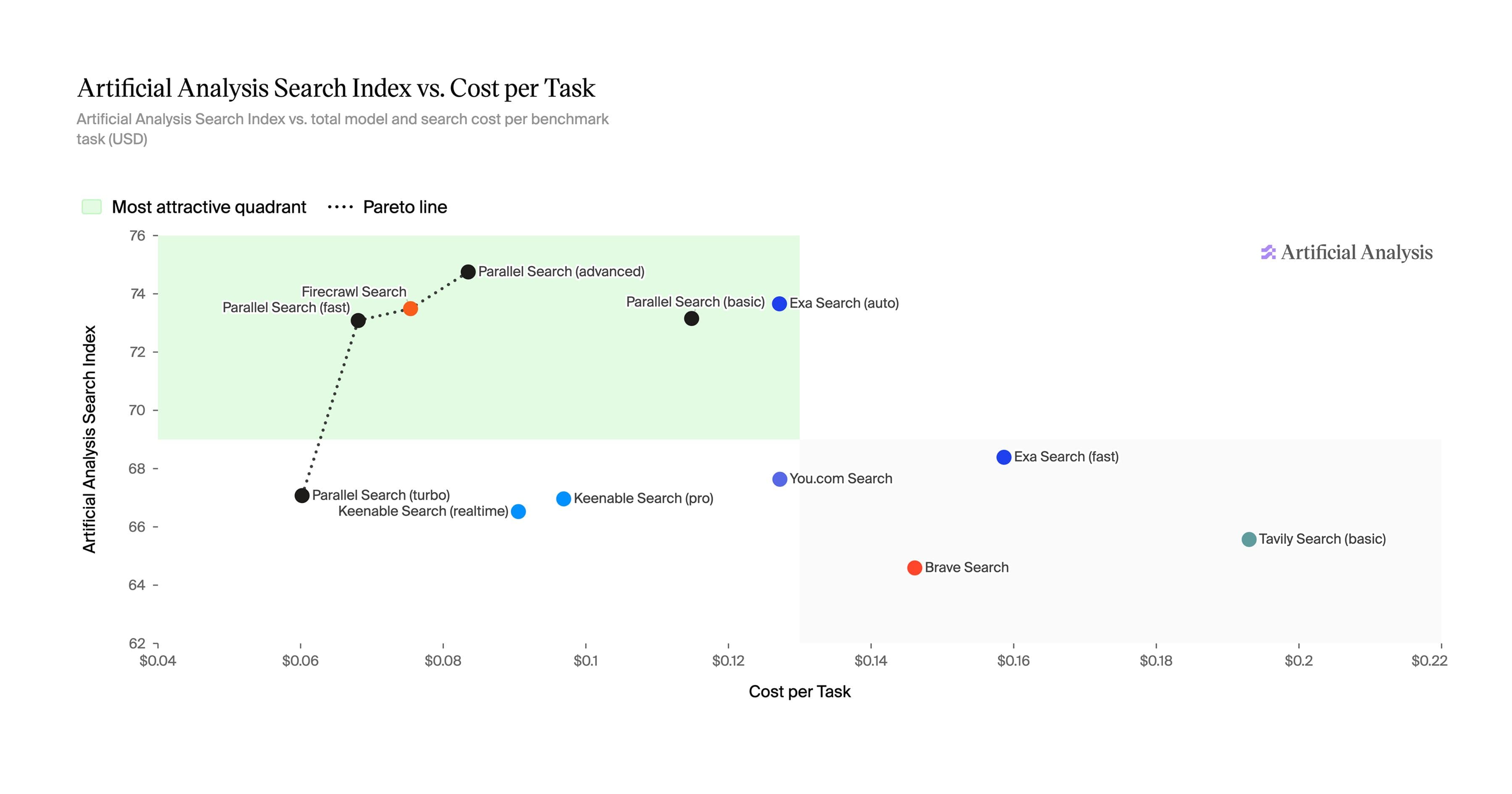
Parallel runs its own web-scale index (billions of pages, millions added daily) and returns dense, query-relevant excerpts instead of raw HTML or SEO-ranked snippets. On public benchmarks, Parallel outperforms the default search in leading frontier models. Your agent reaches the right answer in fewer round trips and with less wasted context.
**What if I already use Parallel MCP? Is it free now?**
Yes. You can drop the API key and keep using the MCP server. Keep the key configured if you want higher rate limits, usage analytics on platform.parallel.ai[platform.parallel.ai], or access to paid agentic endpoints like the Task API and FindAll API.
Please note that you’ll need to update from the old URL (https://search-mcp.parallel.ai/mcp[https://search-mcp.parallel.ai/mcp]) to the new one: https://search.parallel.ai/mcp[https://search.parallel.ai/mcp]
**What rate limits does the Parallel MCP server have?**
The Free Parallel Search MCP server provides generous rate limits for hobby use and personal agents. For production agents at scale, we recommend using the paid version of Parallel Search.
**Where can I use the Parallel Search MCP?**
Parallel Search MCP works with any client that supports the Model Context Protocol, including but not limited to: