
September 8, 2026
# Headless browser API
A headless browser API gives your code programmatic access to a browser that runs without a graphical user interface (GUI). It loads and renders web pages the way a real user’s browser would, then returns the finished content your code asks for.
A headless browser API lets your code control a real web browser that has no visible window and returns a page’s rendered content.
## What is a headless browser API?
A headless browser API gives your code programmatic access to a browser that runs without a graphical user interface (GUI). It loads and renders web pages the way a real user’s browser would, then returns the finished content your code asks for.
A headless browser is a full web browser with no screen to look at. The API wraps that browser so you can drive it through requests rather than clicks. You send a URL, the browser renders the page, and you get back the result.
This matters for developers and AI agents[AI agents] that need the live web without running browser infrastructure themselves. Many sites build their content with JavaScript, so a plain request returns an empty page. A headless browser API runs that JavaScript first, then hands back the real content.
## Key characteristics
A headless browser API shares a few core traits. These points explain how it works and why teams reach for it.
- - **No graphical interface:** Code runs a real browser with no visible window. With Chrome’s headless mode[Chrome’s headless mode], Chrome 112 creates but doesn’t display any platform windows.
- - **JavaScript rendering:** It runs code inside the browser so dynamic content loads before extraction. Plain HTTP requests can’t do that.
- - **Programmatic control:** Developers drive it through libraries and endpoints. The Puppeteer library[Puppeteer library] controls Chrome or Firefox and runs headless by default.
- - **Standards automation:** It builds on open browser standards. The W3C WebDriver specification[W3C WebDriver specification] is a remote control interface that enables introspection and control of browsers.
- - **Managed or run it yourself:** You can run your own headless browsers or call a managed web scraping API[web scraping API].
Each trait points back to one idea. A headless browser API turns a full browser into something your code can call on demand. You keep the power of a real browser without the manual work of clicking through it.
## Example
Say an AI agent needs prices from a store page. A plain request returns an empty HTML shell, because the page builds itself with JavaScript. A headless browser API loads the page, runs the scripts, and returns the finished content.
The flow stays simple. Your code sends the URL, and the headless browser renders the full page and returns the result. You can also capture a screenshot or save the page as a PDF in the same step.
Testing teams use the same setup. They point a headless browser at a new build and confirm each key flow still works. The browser reports what a real user would see, without a screen.
This is a common web scraping task. Instead of running browser servers yourself, you call a managed API that renders the page and returns clean content. You get the data without the upkeep.
Cost and speed vary by approach. Running your own browsers means managing crashes and updates across many pages. A managed API removes that burden and bills per request.
The result matches what a shopper would see on screen. Your code can then store it or pass it straight to a model for analysis.
Developers lean on browser automation tools for this work. In the State of JS 2023 survey[State of JS 2023 survey], a developer poll whose respondents opt in, Playwright ranked first in retention at 95%, versus 30% for Selenium.
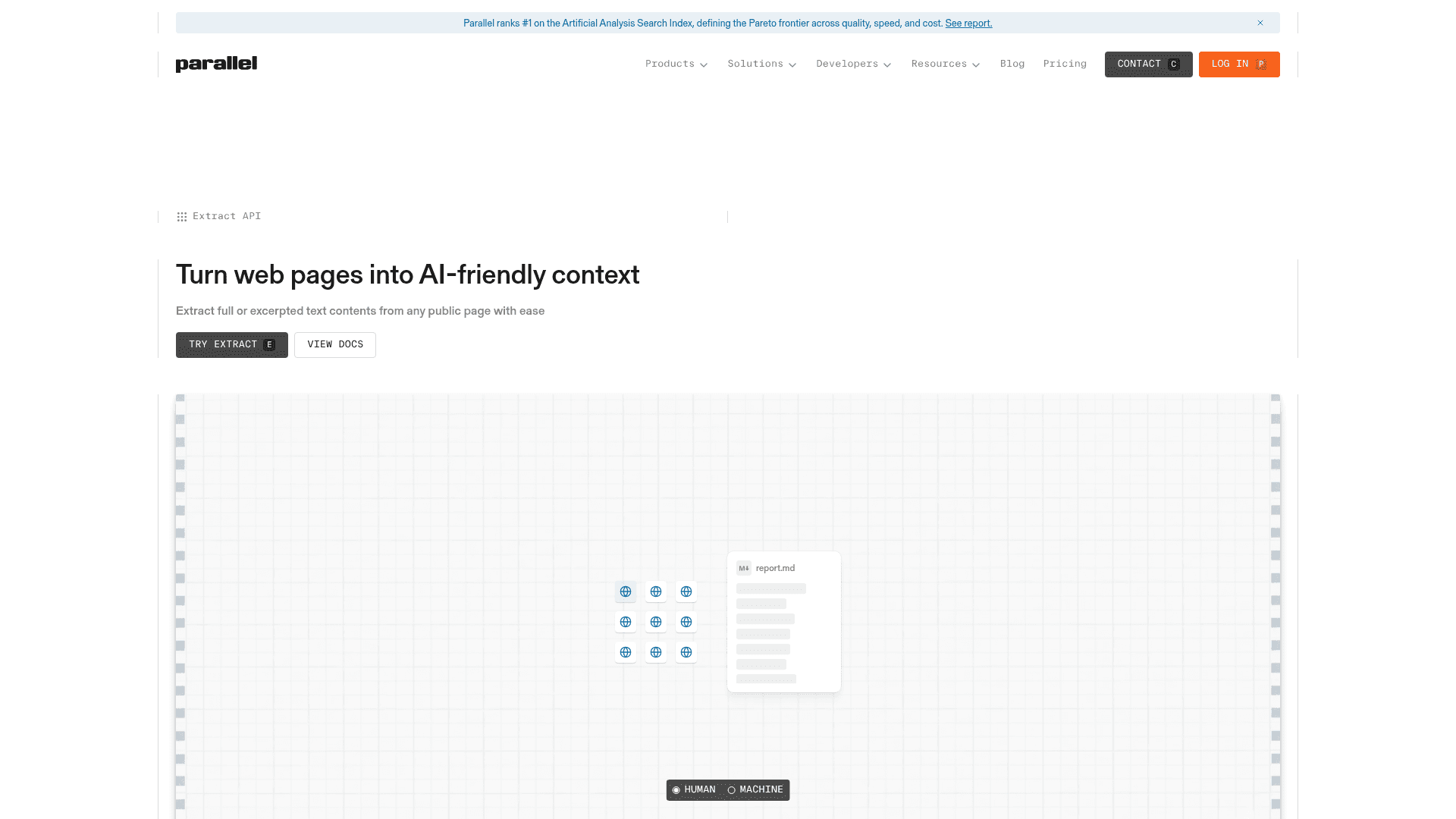
_Parallel’s Extract API renders pages like a headless browser and returns clean markdown. Source: Parallel Extract API[Parallel Extract API]._
Parallel’s Extract API handles this rendering behind one call. It turns any public URL, including pages that load with JavaScript and PDFs, into clean markdown for $1 per 1,000 URLs. Each call returns in 1 to 20 seconds.
## Related terms
- - article extraction API[article extraction API]: a developer’s guide to structured web data.
- - web search API[web search API]: how web search works for AI agents.
- - web scraping[web scraping]: the basics of pulling data from pages.
## FAQ
**What is a headless browser API used for?**
Developers use it for automated testing, web scraping, screenshots or PDFs, and giving AI agents access to pages that load with JavaScript.
**How is a headless browser different from a regular browser?**
It uses the same engine but shows no visible window, and code controls it instead of a person.
**Can you give an example of a headless browser?**
A common example is headless Chrome driven by the Puppeteer or Playwright libraries.