 Parallel
- [The best web search MCP server in 2026: 5 options compared](https://parallel.ai/articles/best-web-search-mcp)
Tags:Comparison
September 26, 2026
A latency figure on its own says nothing about whether the results were any good. We compared five web search APIs using September 2026 benchmark data and paired every latency number with the accuracy that came with it, because the two only make sense read together.

The fastest web search API is not automatically the best one for your agent. Latency alone cannot tell you whether the results are any good, and an accuracy score alone cannot tell you whether your agent will wait too long for them. A fast response that returns weak answers still fails the task.
We compared five web search APIs using our own September 2026 runs plus two independent boards, and paired every latency figure with the accuracy behind it. This guide walks through the results, then shows you how to run the same test on your own traffic.
This guide covers the web search endpoint, the search call that returns ranked URLs and excerpts for an AI agent[AI agent]. If you want the fundamentals first, see what a web search API is[what a web search API is].
No single benchmark covers all five APIs, so this guide draws on three sources. Our own runs on parallel.ai/benchmarks[parallel.ai/benchmarks] (September 2026) cover Parallel, Exa, and Tavily. The independent Artificial Analysis Search Index covers Parallel, Exa, and Brave. Openbenchmarks' latency boards measure Parallel, Exa, Brave, and Tavily. SerpAPI isn't in any of them, so we have no current accuracy or latency figure for it.
On our benchmarks page, each API runs inside a multi-step agent at two price tiers: a GPT-5.6 Sol agent (reasoning high) at the frontier tier, where Parallel uses Basic or Advanced mode, and a GPT-5.6 Luna agent (reasoning low) at the low-cost tier, where Parallel uses Fast or Turbo. Parallel, Exa, and Tavily get search and extract tools. An LLM judge grades each answer, and cost per 1,000 questions counts LLM tokens plus tool calls. The accuracy column below is BrowseComp, OpenAI's set of hard multi-hop browsing questions, on a 50-question sample.
Latency comes from Openbenchmarks' fastest-search-API boards[fastest-search-API boards] (September 2026), which report mean search time from its own client across 300 factual-lookup questions. You can read the full accuracy and cost results in our benchmark results[our benchmark results].
| Tool | Mean search latency (Openbenchmarks) | BrowseComp accuracy, frontier / low-cost (%) | Architecture | Strongest fit |
|---|---|---|---|---|
| Parallel | 348 ms (Turbo), 942 ms (Fast) | 74 (Advanced) / 44 (Fast) | Own AI-native index | Highest BrowseComp accuracy of the three we ran, at the lowest cost |
| Exa | 398 ms (Instant), 652 ms (Fast) | 70 / 36 (Auto) | Neural / embeddings | Semantic retrieval with tiers |
| Brave Search | 601 ms (LLM context) | Not in our runs (AA Search Index: 75) | Independent crawl | Privacy-oriented independent index |
| SerpAPI | Not measured | Not in our runs | SERP-scraping layer | Familiar SERP-style output |
| Tavily | 1.88 s (basic) | 66 / 32 | LLM/RAG search layer | Existing Tavily RAG stacks |
Sources: BrowseComp accuracy from parallel.ai/benchmarks[parallel.ai/benchmarks], run September 9, 2026 (frontier tier / low-cost tier). Latency is mean search time on Openbenchmarks' factual-lookup board[Openbenchmarks' factual-lookup board], September 2026.
An independent check now exists: the Artificial Analysis Search Index[Artificial Analysis Search Index] (September 2026 data) runs 25 search API products across 12 providers through a fixed GPT-5.6 Luna agent harness. Perplexity Search (medium) leads at 80, followed by Octen Search at 77; Parallel Search (advanced) scores 75, level with Brave's LLM context mode, with You.com (highlights) and Exa (auto) at 74. Their harness measures cost per task as well, and Parallel's fast mode recorded $8.41 in search cost per 1,000 benchmark tasks in AA's September 8 data, among the lowest measured. Openbenchmarks' fastest-search-API boards[Openbenchmarks' fastest-search-API boards] (September 2026) cover speed separately: Parallel turbo posted the lowest mean latency on factual lookup at 348ms across 300 questions and the lowest average search time on hard retrieval at 333ms, with Exa Instant next at 398ms and 447ms.
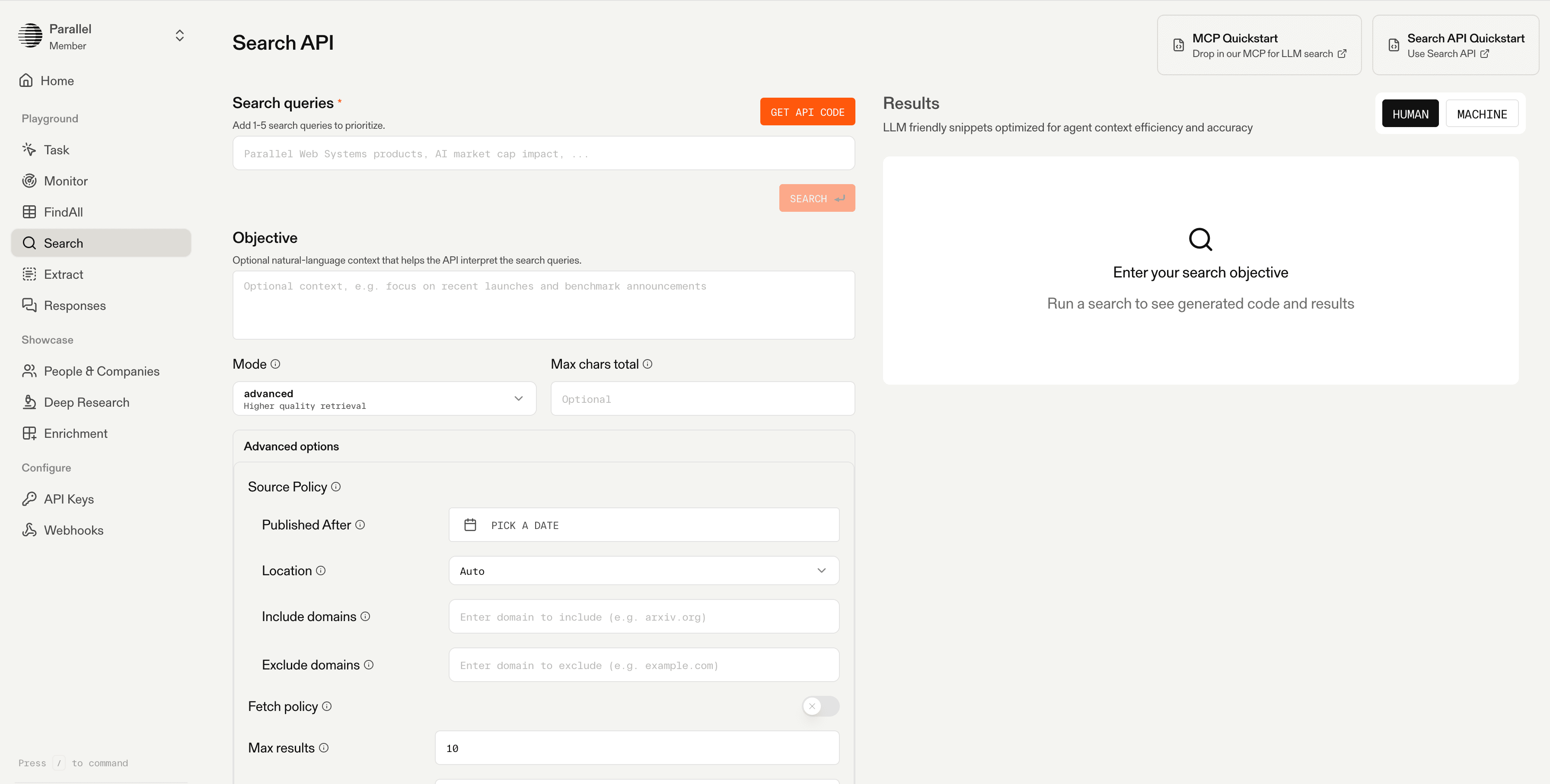
Parallel is an AI-native web search API built for agents rather than human browsing. Agents declare a natural-language objective instead of assembling keyword queries, and Parallel's Search API[Parallel's Search API] returns URLs ranked by token relevancy alongside compressed, information-dense excerpts sized for the context window. It runs on its own web index[its own web index] of billions of pages with intelligent recrawling, and it handles JS-heavy sites and PDFs. Latency stays under 5 seconds, with source inclusion controls, freshness policies, SOC 2 Type 2, and zero data retention available.
On BrowseComp in our September 2026 runs on parallel.ai/benchmarks[parallel.ai/benchmarks], Parallel Advanced scored 74% with a GPT-5.6 Sol agent, ahead of Exa (70%) and Tavily (66%), at $399 per 1,000 questions against their $971 and $935. Perplexity, which we also ran, tied it at 74% for $275. At the low-cost tier, Fast scored 44% at $11.80 per 1,000, and Turbo posted the lowest mean search time on Openbenchmarks' factual-lookup board at 348ms. It is also available as a tool through the Search MCP server[Search MCP server].
**Best for:** web search tool calls for AI agents, single-hop fact lookups, and multi-hop research pipelines, with a mode for each latency and accuracy budget.
**Tradeoffs:** Parallel is a newer platform with a smaller third-party ecosystem and fewer years of community tooling than the incumbents.
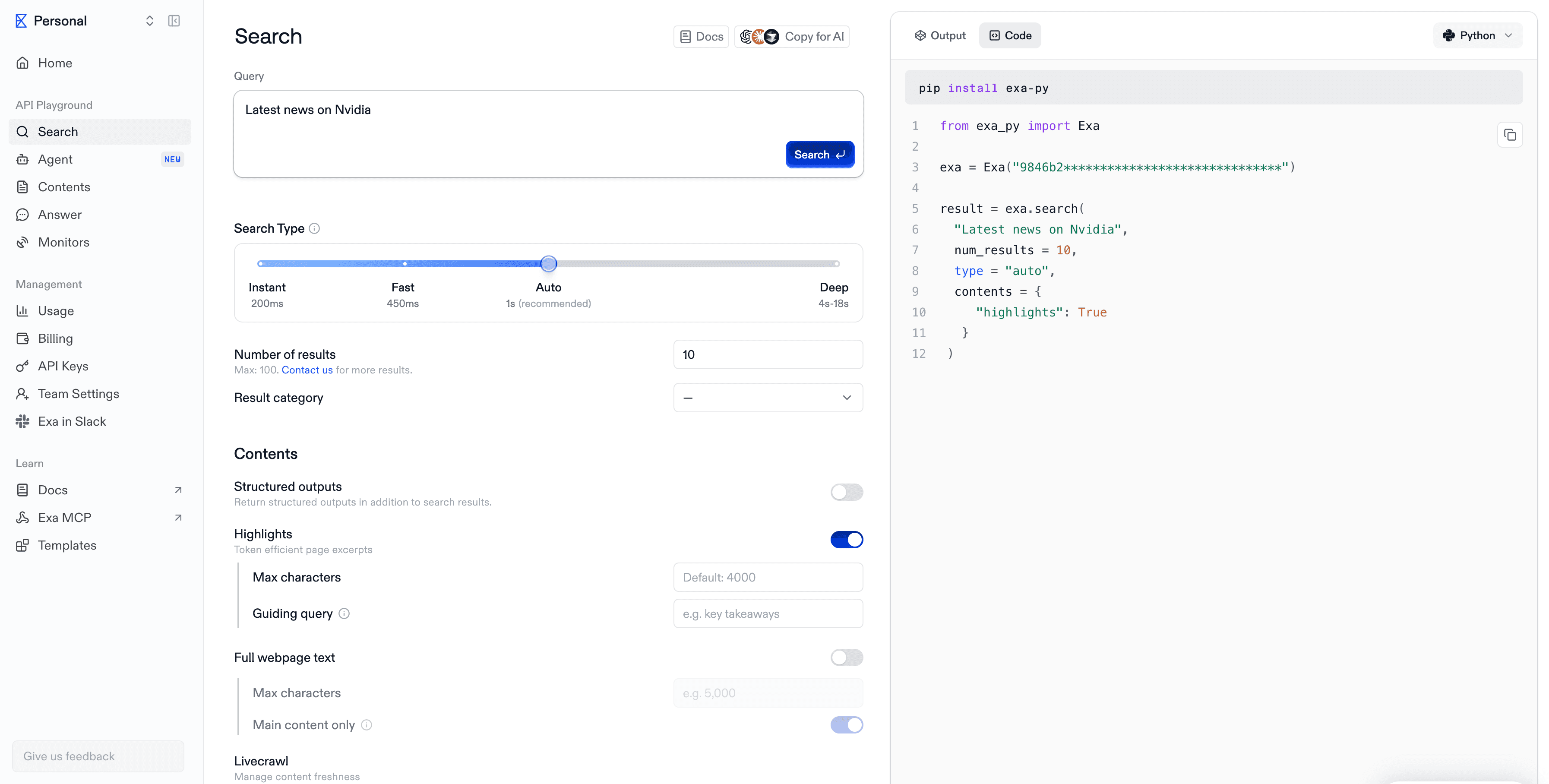
Exa is a "neural" web search API built on embeddings, offering fast and deep tiers plus adjacent research products. It leans on semantic search[semantic search] to retrieve pages by meaning rather than keyword overlap, which makes it a frequent comparison point for AI-native search.
In our September 2026 BrowseComp runs, Exa Auto scored 70% at the frontier tier ($971 per 1,000 questions) and 36% at the low-cost tier ($53.40), behind Parallel at both. It did better on broad list-building: on WideSearch at the low-cost tier, Exa's 53.0 beat Parallel Fast's 45.5. Exa Instant is quick too, at 398ms mean on Openbenchmarks' factual-lookup board, second to Parallel Turbo.
**Best for:** teams that want neural, semantic retrieval with a choice between speed and depth tiers.
**Tradeoffs:** trails Parallel on BrowseComp at both tiers, at a higher cost per question.
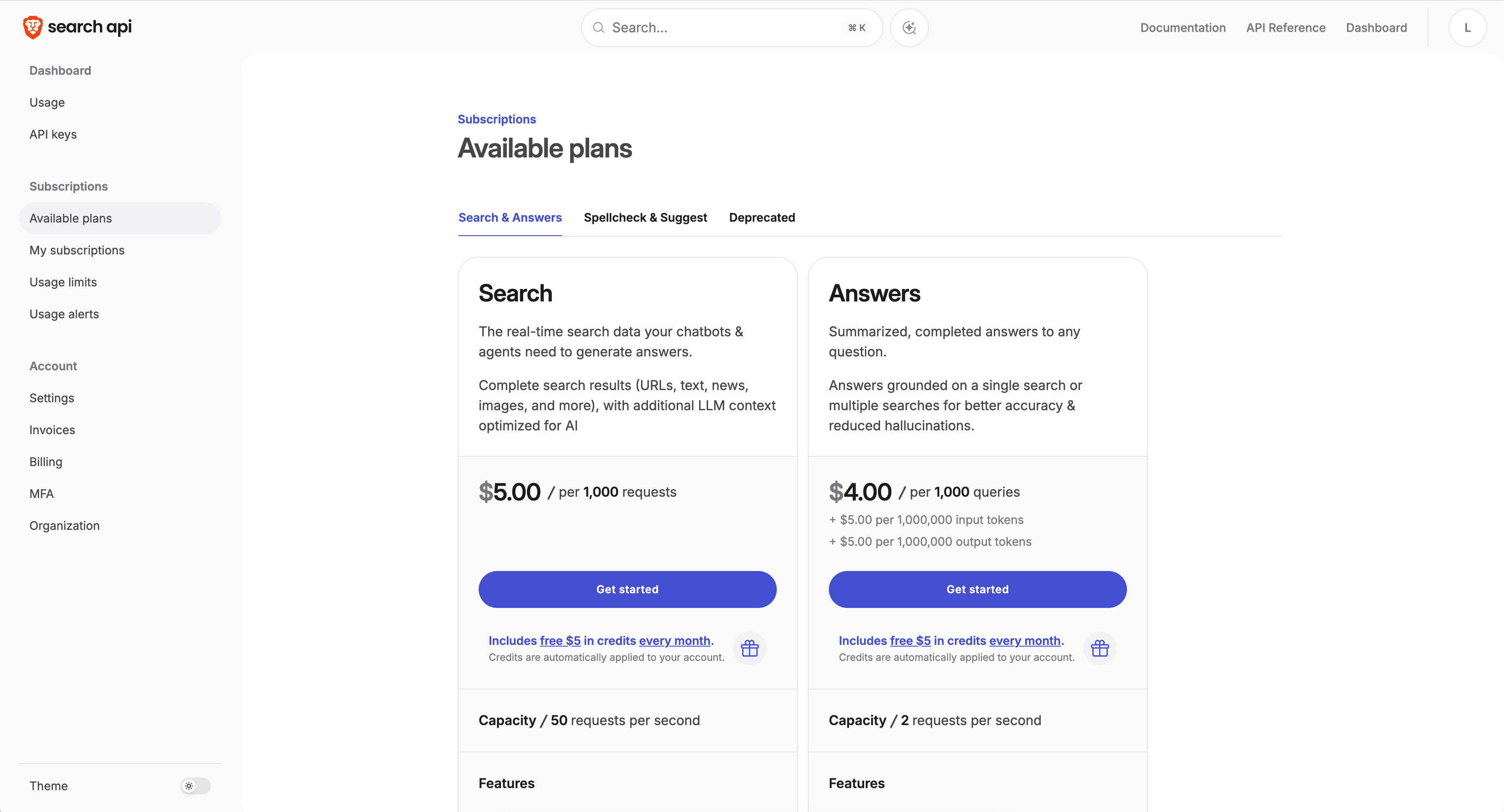
Brave Search serves results from its own independent crawl of the web and news, exposed as an API with a privacy focus. Because the index is independent, Brave doesn't resell results from mainstream engines the way SERP-based APIs do.
Brave isn't in our current benchmark runs, so there's no BrowseComp figure for it here. On the independent Artificial Analysis Search Index (September 2026 data), Brave's LLM context mode scores 75, level with Parallel Search (advanced). On Openbenchmarks' factual-lookup board, Brave LLM context averaged 601ms and Brave web search 630ms, slower than the fastest modes from Parallel and Exa.
**Best for:** teams that want an independent, privacy-oriented index for general web lookups.
**Tradeoffs:** slower than the fastest Parallel and Exa modes, and no extract endpoint for reading full pages.
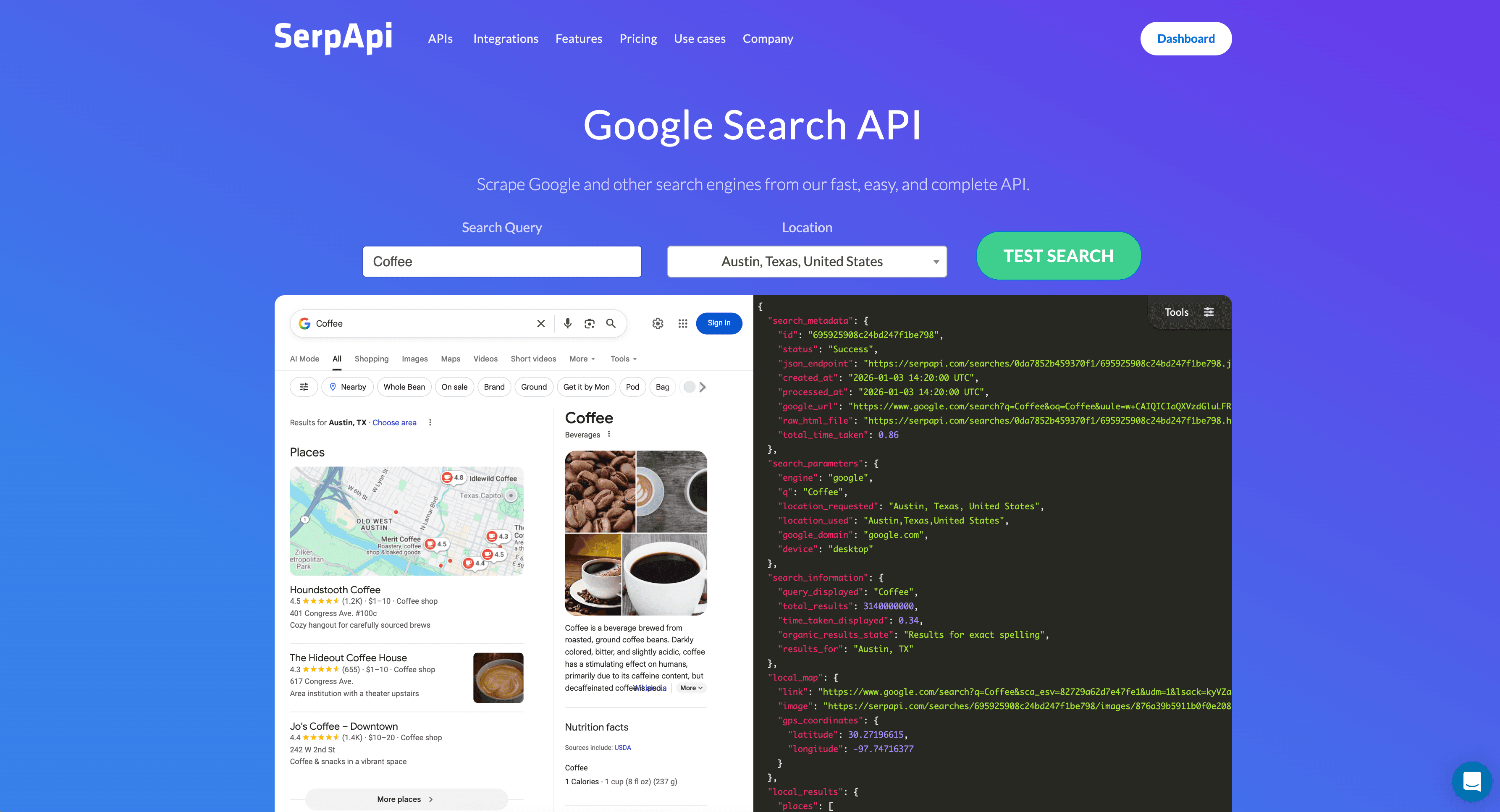
SerpAPI returns structured results scraped from mainstream search engines. It is a results-scraping layer rather than an independent AI-native index, so it gives you familiar SERP-style output.
SerpAPI isn't in our current benchmark runs, the Artificial Analysis Search Index, or Openbenchmarks' latency boards, so we have no current accuracy or latency figure to report. It also has no extract endpoint, so an agent needs a separate fetcher to read full pages.
**Best for:** workflows that need familiar SERP-style data more than agent-optimized accuracy.
**Tradeoffs:** you get familiar SERP-style output rather than agent-optimized excerpts.
Tavily is a search API built for LLMs and retrieval-augmented generation (RAG), popular for agent grounding and known for developer-friendly integration. It is well established in the agent-tooling ecosystem.
In our September 2026 BrowseComp runs, Tavily scored 66% at the frontier tier ($935 per 1,000 questions), the lowest of the three, and 32% at the low-cost tier ($176), level with Parallel Turbo and behind Parallel Fast's 44%. It did better on WideSearch at the low-cost tier, where its 47.9 beat Parallel Fast's 45.5. On Openbenchmarks' factual-lookup board, Tavily basic averaged 1.88s, the slowest of the APIs measured here.
**Best for:** developers already standardized on Tavily for RAG grounding.
**Tradeoffs:** the slowest mean search time on these boards, and the fewest BrowseComp questions solved at the frontier tier.
Spec sheets and benchmark tables, including the one in this article, describe how engines behaved on a fixed question set under one fixed configuration. Your workload has its own domains, query patterns, and definition of a correct answer. A dataset average cannot predict how any engine performs on your traffic.
We're Parallel, and we build one of these APIs. We think our numbers hold up, and we still would not ask you to switch on the strength of a benchmark we ran.
Run your real production queries against each API head-to-head and measure end-task success on the work your agent actually does. Teams that move to Parallel usually get there by running that test themselves.
You can get a reliable read in a single day with the method below. It condenses our full benchmarking guide[benchmarking guide].
Keep the harness in version control so you can rerun it after any provider update and compare against your earlier numbers.
Use the paired figures to match intent to fit. If accuracy on hard, multi-hop questions drives the decision, Parallel Advanced led the APIs here on BrowseComp at 74%, and Turbo posted the lowest mean search latency at 348ms, so you choose a mode for the constraint rather than a different vendor. If an independent, privacy-oriented index matters most, Brave scores 75 on the Artificial Analysis Search Index, level with Parallel Advanced.
If latency is your tightest constraint, weigh the quick modes against what they return. Exa Instant averaged 398ms and Brave LLM context 601ms on Openbenchmarks' factual-lookup board, while Tavily basic took 1.88s. SerpAPI has no current figures on any of these boards. Whatever the table suggests, confirm it with the bake-off above.
A web search API is an endpoint your application calls to search the web and receive ranked results, usually URLs, titles, and text excerpts. Agents use it as a tool call to ground answers in live web data. See what a web search API is[what a web search API is] for a fuller explanation.
A search API finds and ranks relevant pages for a query and returns excerpts. Scraping fetches the full contents of a specific URL you already have. Many agent pipelines pair the two, using search to discover pages and an extract step to pull full content.
On BrowseComp in our September 2026 runs, accuracy ranged from 32% to 74% depending on the API and agent tier, and mean search latency on Openbenchmarks' factual-lookup board ranged from 348ms to 1.88s. Your own numbers will differ by domain and query type, so treat published figures as a baseline and verify on your traffic.
Often, yes. Search returns ranked URLs and excerpts, and an extract API converts a chosen URL into clean text when your agent needs the full page. If your task depends on complete documents rather than snippets, plan for both.
Most search APIs expose a REST endpoint, and some also publish a tool interface through the Model Context Protocol[Model Context Protocol] so agent frameworks can call them directly. Check that your framework supports the integration path the provider offers.
Re-evaluate on a regular cadence, such as quarterly, and after any provider update or a shift in your own query mix. Providers change their indexes and pricing, and benchmarks age, so a periodic bake-off keeps your choice current.
You can run this bake-off on your own traffic with the $5 in free credits Parallel's free tier includes every month, and see how the latency and accuracy pairing holds up on the queries your agent runs every day.