- [Best AI search for agents: 6 web search APIs compared (2026)](https://parallel.ai/articles/best-ai-search-for-agents)
Tags:Comparison
September 26, 2026
Whatever your agent can retrieve sets the ceiling on how good its answers get, which makes the search API an unusually consequential dependency. The tools below are a shortlist of fast search APIs and SERP API alternatives built for real-time web retrieval into models. They are not SERP products for rank tracking, local pack, Shopping, or geo verticals. We compared five of them on independent latency and lookup-accuracy measurements, plus our own September 2026 agent benchmarks where the vendor is included, and the method is written down at the end so you can repeat the test on the queries your own agent actually receives.

Your AI agent just told a customer that a discontinued product is in stock. The model didn't hallucinate in the way you'd expect: it read the pages it was handed, reasoned over them, and answered in good faith. The pages were wrong, stale, or off-topic, so the failure sat one layer down, in retrieval.
Retrieval sets the ceiling on agent quality, since a large language model (LLM)[large language model (LLM)] can only reason over the context it receives, and a semantic search API[semantic search API] raises that ceiling. Instead of matching keywords, it reads an agent's natural-language objective, works out the intent behind it, and returns ranked, LLM-ready results in a single tool call, which means fewer round trips and lower cost.
Throughout, the product under review is each vendor's fast, real-time web search API[web search API], meaning the endpoint an agent calls mid-task to retrieve fresh, ranked web context in a single request. These are agent retrieval tools rather than SEO tools built on Google’s ranked positions or SERP features.
We ran all five through the same structure. Latency and lookup accuracy come from Openbenchmarks' fastest-search-API board[Openbenchmarks' fastest-search-API board] (September 2026), an independent test that sends the same 300 company-news questions to every API and reports mean request latency from its own client. Agent accuracy and cost come from our benchmarks[benchmarks] (September 2026) at the low-cost tier, where a GPT-5.6 Luna agent answers SimpleQA Verified (Google DeepMind's refinement of OpenAI's SimpleQA[SimpleQA]), BrowseComp, and WideSearch questions with each search API as its tool. Brave and SerpAPI aren't in our runs, so they appear with independent data only.
The independent Artificial Analysis Search Index[Artificial Analysis Search Index] (September 2026 data) puts 25 search API products from 12 providers through a fixed agent harness. Parallel Search (advanced) scores 75, level with Brave’s LLM context mode and behind Perplexity Search (medium) at 80 and Octen Search at 77. For the speed tiers this article is about, AA's September 8 data had fast at 73 with $8.41 in search cost per 1,000 benchmark tasks, among the lowest measured, and 15.8s per task; on the September 22 board, Octen Search (highlights) is the fastest per task, also at 15.8s. Where a vendor-run figure and an independent one disagree, trust the independent one. Latency has its own independent check on Openbenchmarks' fastest-search-API boards[Openbenchmarks' fastest-search-API boards] (September 2026): Parallel turbo had the lowest mean request latency of the 20 configurations tested on factual lookup at 348ms, ahead of Exa Instant at 398ms, with Brave at 601 to 630ms and Tavily Basic at 1.88s. Speed isn't accuracy on that board, though: turbo answered 71.3% of the lookups correctly, against 97.7% for Exa Instant and 86.0% for Parallel fast, which measured 942ms, behind Exa Fast at 652ms.
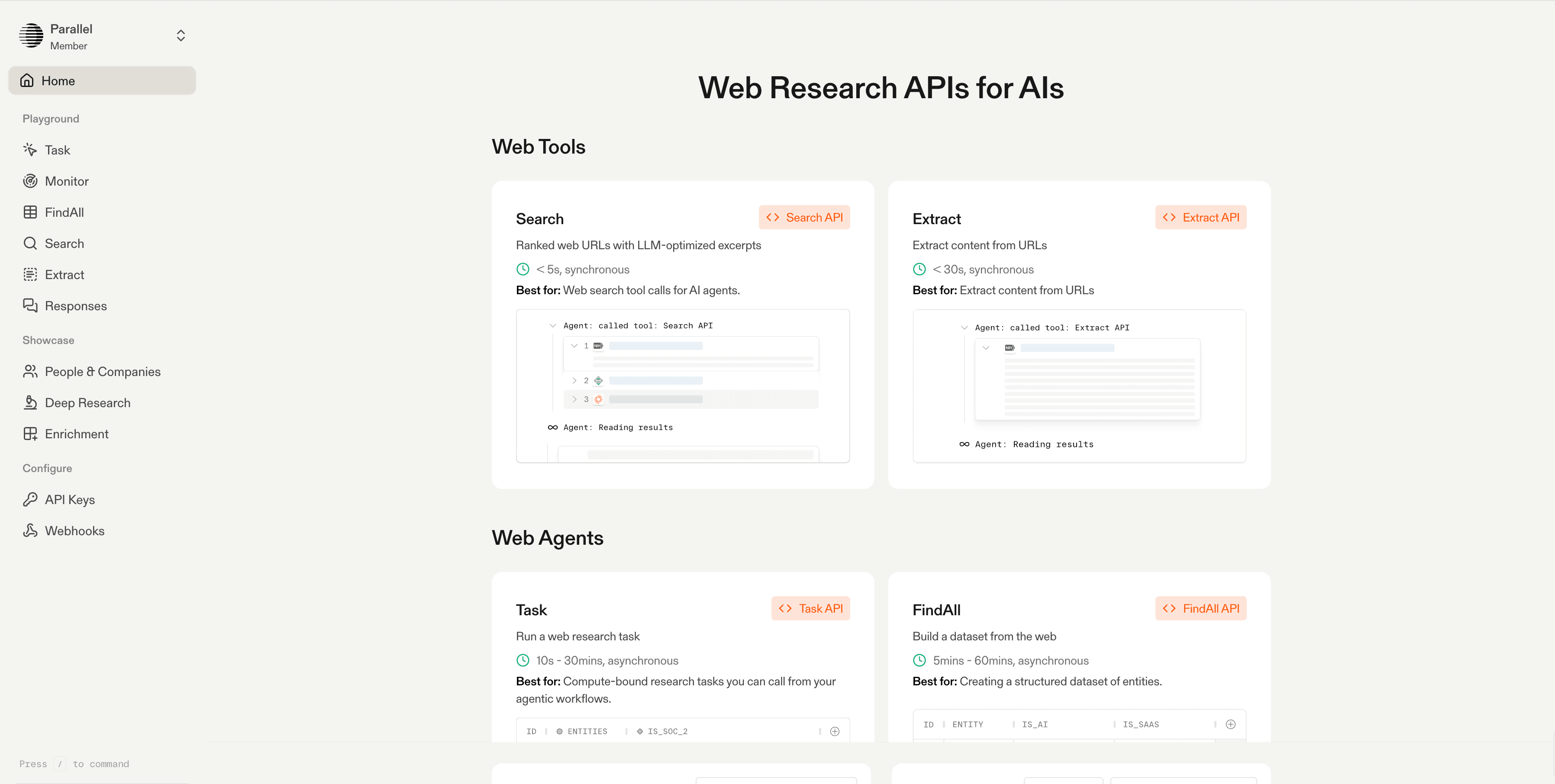
We built the Parallel Search API[Parallel Search API] from the ground up for agents. An agent declares a natural-language objective rather than assembling keyword strings, and we return ranked URLs plus token-dense excerpts shaped for the context window. Underneath sits our own proprietary web-scale index of billions of pages, with millions added daily and intelligent recrawling for freshness, which is what lets agents reach PDFs, JavaScript-rendered pages, and deep-web portals that a shallow crawl misses.
Ranking is done by how useful a page is for the agent's next reasoning step, and each result is compressed into query-relevant excerpts that keep noise out of the context window. Those two choices are why an agent needs fewer round trips to reach a confident answer, and fewer round trips lower both token spend and latency.
For most agent loops the fast mode is the one to reach for: $1 per 1,000 requests, a documented ~700ms latency, and near-advanced quality (73 against advanced's 75 in the independent Artificial Analysis Search Index's September 8, 2026 data). The Fast Mode launch[Fast Mode launch] has the launch details. On Openbenchmarks' factual lookup board, Turbo is the fastest configuration at 348ms but answered 71.3% of questions correctly from its results, against 86.0% for Fast at 942ms, so Turbo trades accuracy for speed on single lookups. In an agent loop the gap closes: on our benchmarks[benchmarks] at the low-cost tier, Fast scored 94% on SimpleQA Verified and Turbo 91%, both at $2.00 per 1,000 questions, the lowest cost in that tier. On BrowseComp, Perplexity's 46% edged Fast's 44%. The API also ships as a tool through the Model Context Protocol[Model Context Protocol] (MCP), which drops it into existing agent frameworks, and we hold SOC 2 Type 2 certification, with zero data retention available for enterprise teams.
**Best for:** single-hop fact lookups, multi-hop research pipelines, and agent tool calls where context quality and token efficiency drive both accuracy and cost. Fast at $1 per 1,000 and a documented ~700ms is the Parallel speed tier for cheap, fast web context.
**Tradeoffs:** we're a newer platform, our third-party ecosystem is smaller than the incumbents', Turbo's single-lookup accuracy trails the other fast tiers, and the agent benchmarks above are ours.
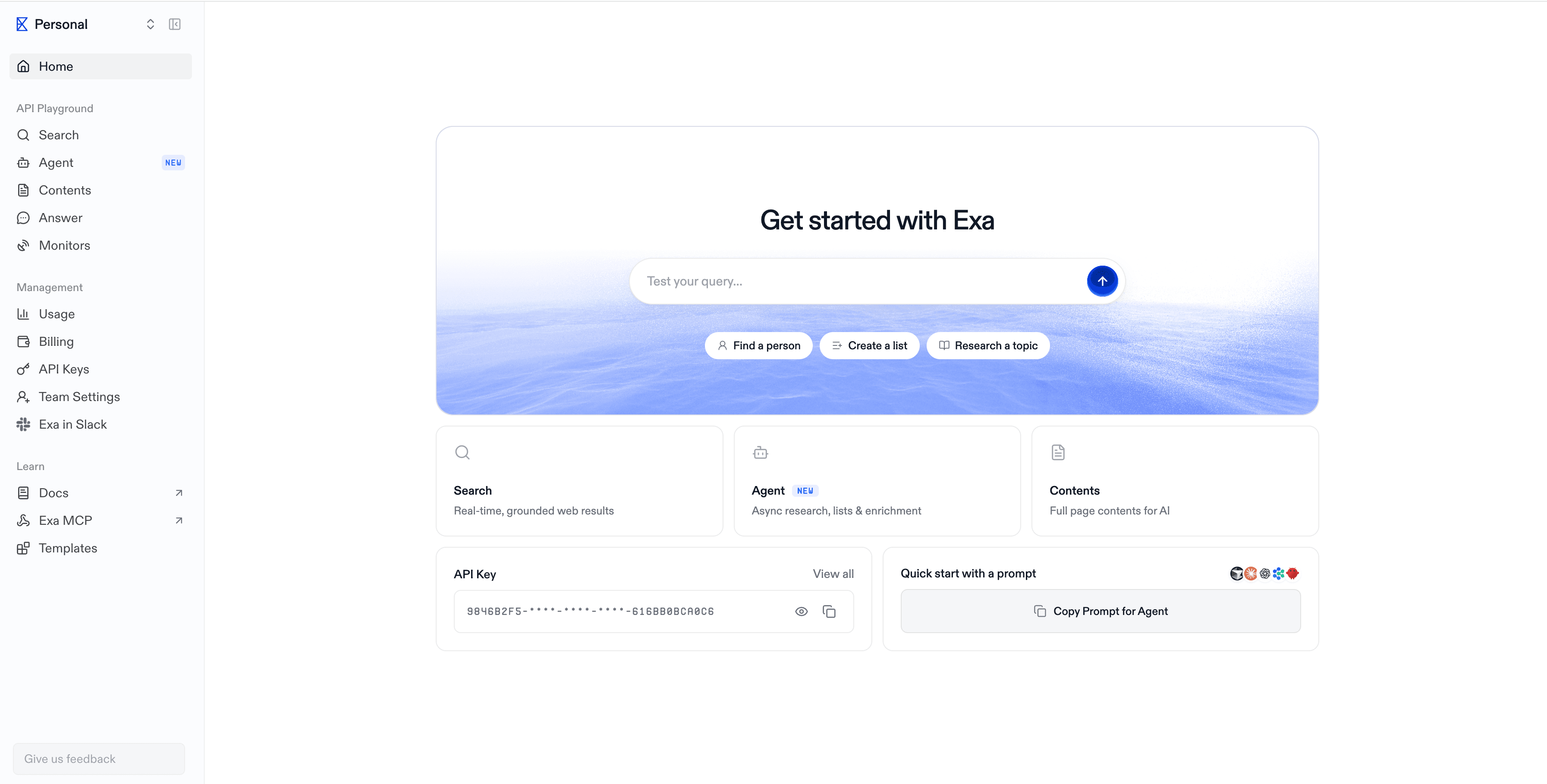
Exa built its search around embeddings rather than keyword matching, marketing it as "neural" web search for AI, and splits the product into an instant tier for fast lookups and deeper tiers for research and datasets. Developer adoption has been solid, and it's the tool prospective customers ask us to compare against most often.
Exa Instant was the fastest mode on Openbenchmarks' factual lookup board to clear 95% accuracy, at 398ms and 97.7%, and Exa Fast posted the board's top accuracy, 99.3% at 652ms. Both list at $7 per 1,000 requests. In our low-cost-tier agent runs, Exa Auto scored 91% on SimpleQA Verified at $7.90 per 1,000 questions and led WideSearch at 53.0 to Parallel Fast's 45.5, so a workload where those gaps matter should measure them on its own traffic rather than take ours.
**Best for:** teams that want embeddings-style semantic discovery paired with a mature API that spans fast and deep search tiers.
**Tradeoffs:** default rate limits run lower than some alternatives, so high-throughput workloads may need a plan upgrade or a queue.
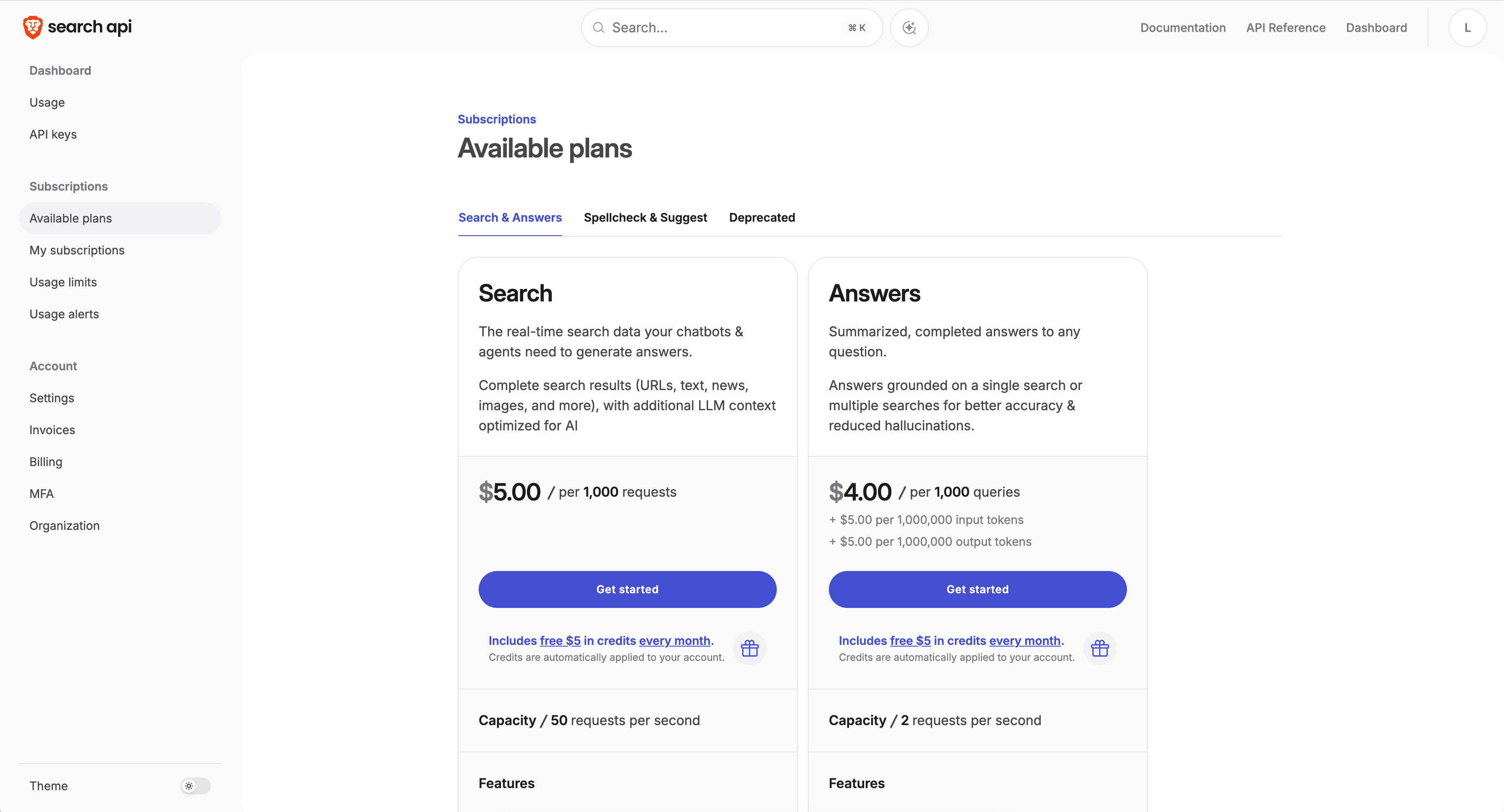
Brave Search runs on its own independent crawl and index, with a clear privacy focus, and returns web results, news, and LLM-context formats. It doesn't resell another engine's results, unlike the many tools that repackage Google or Bing.
Brave isn't in our current benchmark runs. On Openbenchmarks' factual lookup board, its LLM context mode measured 601ms mean latency with 94.0% accuracy, and its web mode 630ms with 93.3%.
**Best for:** teams that want an independent, privacy-oriented index and general-purpose web results.
**Tradeoffs:** results are formatted more for general search than for dense, agent-ready excerpts, and the API is search-only, so extraction and multi-hop fetching need separate tooling.
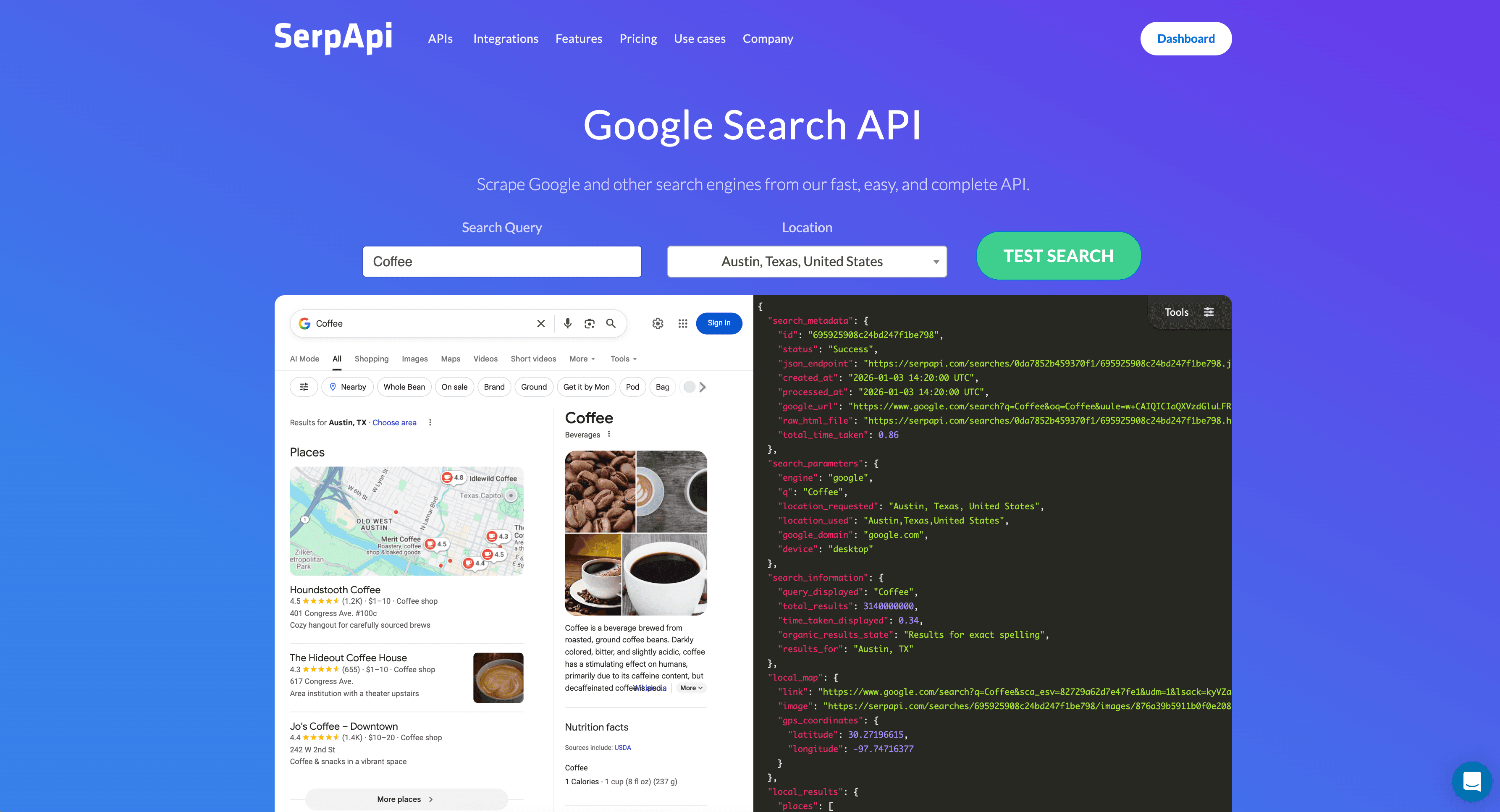
SerpAPI is here for comparison, though it solves a different problem. It scrapes Google and other engines and hands back structured search engine results page (SERP) data: the ranked links plus rich SERP elements such as knowledge panels and related questions. Coverage across engines is broad, and the use cases it targets are search engine optimization (SEO) and SERP structure. When the job is real-time retrieval into a model, Parallel Fast at $1 per 1,000 is the Parallel product for it. When the job is rank tracking, local pack, Shopping, or geo SERP features, SerpAPI is the better tool.
SerpAPI isn't in our current benchmark runs or on Openbenchmarks' latency board, so there's no current like-for-like figure for it. What it returns is a list of links for the agent to go fetch, which adds a round trip before the model sees any page content.
**Best for:** teams that specifically need Google SERP structure and ranking data rather than synthesized, agent-ready answers.
**Tradeoffs:** raw SERP links come back instead of dense excerpts, so your agent fetches and parses pages itself.
Tavily is a search API built for LLMs and retrieval-augmented generation (RAG) workflows, and its reputation rests on how little friction there is in getting started: integration across the common frameworks, search paired with content extraction, quick onboarding, and a generous free tier that teams building RAG stacks make heavy use of.
On Openbenchmarks' factual lookup board, Tavily Basic measured 1.88s mean latency with 87.7% accuracy, and Tavily Advanced 4.29s with 93.0%. In our low-cost-tier agent runs, Tavily matched Parallel Fast on SimpleQA Verified at 94% and beat it on WideSearch, 47.9 to 45.5, at $17.40 per 1,000 SimpleQA questions against Fast's $2.00.
**Best for:** RAG pipelines and framework-native agent grounding where ease of integration matters most.
**Tradeoffs:** request latency is the slowest in this group, and agent cost per question was the highest at our low-cost tier on all three benchmarks.
Read the qualitative columns alongside the scores; the numbers alone won't tell you where a tool fits. The first table is independent; the second is ours.
| Tool | Mean latency | Lookup accuracy | Architecture | Strongest fit |
|---|---|---|---|---|
| Parallel (Turbo) | 348ms | 71.3% | Own index, agent-native excerpts | Latency-bound lookups inside agent loops |
| Parallel (Fast) | 942ms | 86.0% | Own index, agent-native excerpts | Agent tool calls and research pipelines; the recommended speed tier |
| Exa (Instant) | 398ms | 97.7% | Neural embeddings, multi-tier | Fast lookups where per-call accuracy matters |
| Exa (Fast) | 652ms | 99.3% | Neural embeddings, multi-tier | Semantic discovery with fast and deep tiers |
| Brave Search (LLM context) | 601ms | 94.0% | Independent crawl and index | Independent, privacy-oriented general search |
| SerpAPI | Not measured | Not measured | Google/engine SERP scraping | Google SERP structure and ranking data |
| Tavily (Basic) | 1.88s | 87.7% | RAG-focused search plus extract | RAG grounding and framework integration |
Openbenchmarks factual lookup board, 300 company-news questions, one search per question, mean latency, measured September 2026. SerpAPI isn't on the board.
Our agent benchmarks add the cost side. At the low-cost tier, every provider runs with the same GPT-5.6 Luna agent:
| Tool | SimpleQA Verified | BrowseComp | WideSearch | Cost per 1,000 SimpleQA questions |
|---|---|---|---|---|
| Parallel (Fast) | 94% | 44% | 45.5 | $2.00 |
| Parallel (Turbo) | 91% | 32% | 44.0 | $2.00 |
| Perplexity | 94% | 46% | 47.0 | $5.50 |
| Exa (Auto) | 91% | 36% | 53.0 | $7.90 |
| Tavily | 94% | 32% | 47.9 | $17.40 |
parallel.ai/benchmarks[parallel.ai/benchmarks], evals run September 9, 2026. Cost covers LLM tokens and tool calls. Brave and SerpAPI aren't in these runs; Perplexity is included for reference.
Treat those tables as a starting point, the rows for our own product included. They measure average performance on general benchmark questions, and your workload is not general benchmark questions; it is your domains, your query patterns, your freshness needs, and your own definition of a correct answer. A tool that wins on the aggregate can lose on the slice you actually run, and that goes in both directions.
The test that settles a search API is running your real production queries head-to-head and measuring end-task success, since retrieval scores are only a proxy for whether the agent completed the job.
We're biased: we make the Parallel Search API, we ran the agent evals above, and we want you to choose us, so don't take our word for the outcome. Teams that switch from a built-in web search tool[switch from a built-in web search tool] usually do it after running the comparison themselves and watching the end-task numbers move.
A credible head-to-head takes about a day. What follows is the short version of the method; the full benchmarking method[full benchmarking method] is its own guide.
**Is a search API the same as a vector database?** No. A vector database stores and retrieves embeddings you've already indexed from your own data, while a search API queries the live web in real time and returns fresh results. Plenty of agent stacks run both, one for private knowledge and one for the open web.
**How should I judge accuracy across these tools?** Start with a public benchmark like SimpleQA to shortlist candidates, then validate on your own queries and measure whether the agent finished the task.
**How does pricing usually work?** Most providers charge per request or per credit, usually with a free tier, and unit costs drop on committed plans. Published rates shift often enough that the number worth comparing is cost per successful task on your own traffic.
**How often should I re-evaluate my choice?** Quarterly is a reasonable cadence. Indexes grow, models change, and prices move, so a tool that lost by a point last quarter may lead this one.
Run your own queries on the free tier, which includes $5 in free credits every month. That's enough to benchmark the Parallel Search API against whatever you're using now on the queries your agent actually receives.