# The most configurable MCP for web research. Bring Parallel to everywhere you work
Get started for free, no API key needed.
## Connect Parallel inside your app with 1 click







## Every Parallel tool in a single MCP. Free to start, ready for enterprise
### The whole Parallel suite in one connection
Search, research, decisions and fetch behind a single URL. Every tool takes the same arguments as our API, so nothing is lost in translation.
### Free to start
Search the web, fetch any page and get decisions, all without an API key. Sign in for research and higher limits.
### Smart defaults, fully configurable
Every argument starts on auto. Turn any dial to fix it, like fast mode for free users or 20 results for list building.
### Choose your search mode
Turbo for speed, advanced for depth. Pin one for every call, or let the agent pick per query.
### Built for enterprise
Admins set the tools, domains and budget for the whole org. Cost on every call, SOC 2 compliant.
## Built for every kind of agent. Wherever your agent works, it works with the live web

### Personal agents
Prices, hours, and anything that changed today
Prompt (web_search): Is the Ferry Building farmers market open this Saturday?

### Research agents
Analyst-grade reports with citations, in one call
Prompt (web_research): Brief me on the EU battery supply chain, with sources
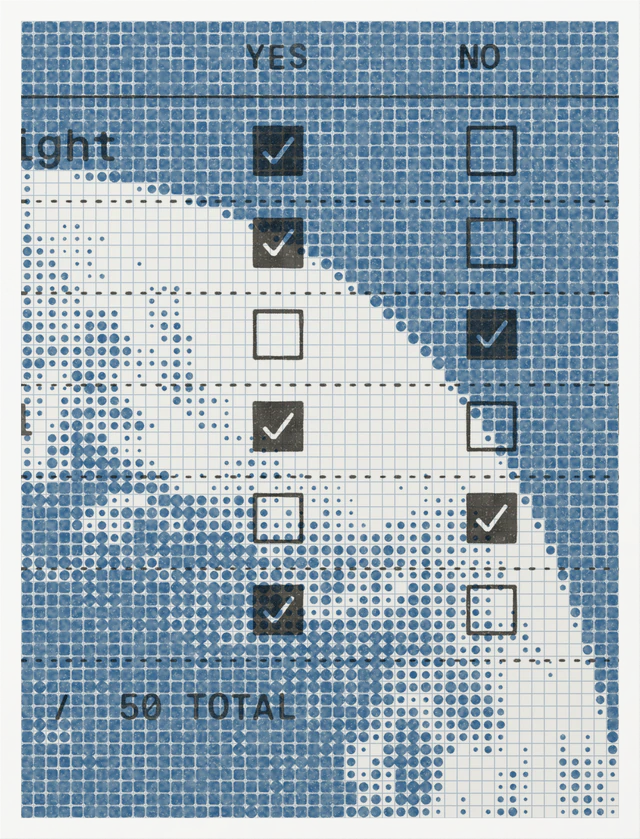
### Sales and GTM agents
Qualify accounts with answers grounded in the live web
Prompt (web_decisions): Which of these 50 accounts sell to enterprise teams?
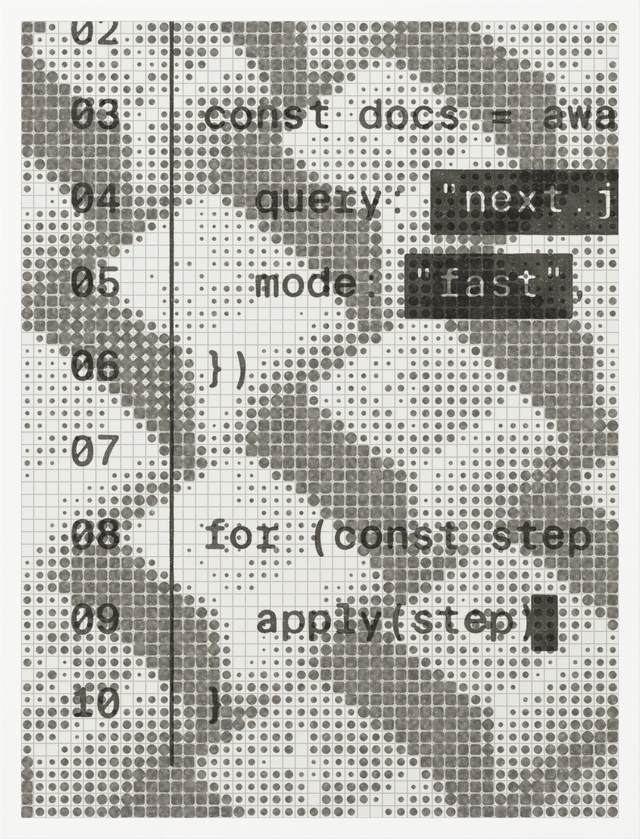
### Coding agents
Current docs and changelogs, not training-data guesses
Prompt (web_fetch): Upgrade this app to Next.js 16 using the official migration guide


FAQs
What is Parallel MCP?
Parallel MCP is a hosted MCP server at https://mcp.parallel.ai/mcp that gives any AI agent four web tools: web_search, web_fetch, web_decisions, and web_research. It works in Claude, ChatGPT, Codex, Cursor, VS Code, and any other MCP client that supports remote servers. For new setups, it replaces the Parallel Search MCP and handles single research questions that used to go to the Task MCP. Keep the Task MCP for asynchronous deep research and list enrichment.
Is it free? Do I need an API key?
You can start for free with no account and no API key. web_search, web_fetch, and web_decisions are free at lower rate limits. Sign in with your Parallel account or add an API key to unlock web_research, raise your rate limits, and set your own defaults. Organizations with a card on file also get $5 in free credits each month.
Which tool should my agent call?
Each tool fits one kind of question, and most agents pick the right one on their own.
- web_search finds current pages and returns ranked excerpts, which are usually enough to answer directly.
- web_fetch reads up to 20 URLs per call and returns focused excerpts or full markdown. It handles PDFs and JavaScript-heavy pages.
- web_decisions answers typed questions from live web evidence, with citations. It can return a yes or no probability, a pick from a list, or a score against ordered criteria.
- web_research researches one question in depth and returns a cited answer in the same call. It needs sign-in or an API key.
web_decisions is new, so name it in your prompt when you want it, for example “Use Parallel Decisions to check which of these companies are hiring.” The Decisions docs have more examples.
How do I sign in or use an API key?
To sign in, connect to https://mcp.parallel.ai/mcp?login from a client that supports MCP OAuth, such as Claude, ChatGPT, Claude Code, Codex, or Cursor. The client opens a browser window where you sign in with your Parallel account. To use an API key instead, create one on Parallel Platform and send it to https://mcp.parallel.ai/mcp in an Authorization: Bearer header or an x-api-key header. The quickstart has examples for each client.
How do I choose tools and set arguments?
Add a tools parameter to the URL to choose which tools your agent sees, for example https://mcp.parallel.ai/mcp?tools=web_search,web_fetch. This list replaces the default set, so include every tool you want. To fix arguments for every call, send a JSON object in the x-parallel-mcp-config header. For web_search you can set the search mode, max results, and included or excluded domains. For web_fetch you can turn on full page text. Each tool takes an override block, which the model can’t change, and a model_choice list of fields the model may set per call. Overrides need sign-in or an API key, plus a client that can send custom headers. See override settings.
Which search mode should I use?
web_search runs in fast mode by default, which suits most agents. Choose turbo for the lowest latency in live, user-facing agents. Turbo currently supports English and Japanese queries only. Choose basic for longer excerpts per result in about one second, and advanced for the best results on hard queries. You can pin one mode for every call with an override, or let the model pick per query with model_choice. The search modes guide compares them.
What happens when my agent hits the free limit?
Calls without an account run at lower rate limits. Once your agent goes past the free limit, extra calls are rate limited and nothing is billed. For higher limits, sign in at https://mcp.parallel.ai/mcp?login or add an API key. Either way, your agent also gets web_research.
How is usage billed?
Calls without an account are free. Calls made with OAuth sign-in or an API key are billed to your Parallel account at the same rates as the underlying API, so web_search costs the same as the Search API. Fast and turbo searches cost $1 per 1,000 requests, and basic and advanced cost $5 per 1,000. Each result reports its cost in the _meta field, so you can track spend per call. See pricing for current rates.
I use the Search MCP or Task MCP. What changes?
Both original servers keep working. For new setups, Parallel MCP replaces the Search MCP. To switch, change search.parallel.ai/mcp to mcp.parallel.ai/mcp and search.parallel.ai/mcp-oauth to mcp.parallel.ai/mcp?login. web_search and web_fetch keep their names. Move any settings from URL parameters or the x-parallel-search-config header to x-parallel-mcp-config. The new server ignores old URL parameters like ?mode=, so any setting you don’t move stops applying without an error. From the Task MCP, use web_research for single research questions, and it returns the answer in the same call. For asynchronous deep research and list enrichment, keep using the Task MCP, the Task API, or the Parallel CLI.
Does it work with gateways like LiteLLM?
Yes. Parallel MCP is a standard remote MCP server over Streamable HTTP, so you can register it in gateways like LiteLLM next to your other tools. Pass your API key and any x-parallel-mcp-config settings as headers. Overrides are applied on Parallel’s servers, so an agent behind the gateway can’t change them.
Can I call it from my own code?
Yes. Any MCP client library can connect to https://mcp.parallel.ai/mcp. Model APIs with remote MCP support, like the OpenAI Responses API and the Anthropic Messages API, can call it directly with your API key in the headers. See programmatic use. To build a single capability into your product without MCP, call the Search API or other Parallel APIs directly.
Why won’t my client connect?
Make sure the URL has no trailing slash, because https://mcp.parallel.ai/mcp/ returns a 404. Check every name in the tools parameter, because an unknown tool name returns a 400. Then restart your client after you add or change the server.
How do I get higher rate limits?
Sign in or add an API key. With an API key, the Search, Extract, and Decisions APIs each allow 600 requests per minute. If you need more, email support@parallel.ai.
FAQs
Parallel MCP is a hosted MCP server at https://mcp.parallel.ai/mcp that gives any AI agent four web tools: web_search, web_fetch, web_decisions, and web_research. It works in Claude, ChatGPT, Codex, Cursor, VS Code, and any other MCP client that supports remote servers. For new setups, it replaces the Parallel Search MCP and handles single research questions that used to go to the Task MCP. Keep the Task MCP for asynchronous deep research and list enrichment.
You can start for free with no account and no API key. web_search, web_fetch, and web_decisions are free at lower rate limits. Sign in with your Parallel account or add an API key to unlock web_research, raise your rate limits, and set your own defaults. Organizations with a card on file also get $5 in free credits each month.
Each tool fits one kind of question, and most agents pick the right one on their own.
- web_search finds current pages and returns ranked excerpts, which are usually enough to answer directly.
- web_fetch reads up to 20 URLs per call and returns focused excerpts or full markdown. It handles PDFs and JavaScript-heavy pages.
- web_decisions answers typed questions from live web evidence, with citations. It can return a yes or no probability, a pick from a list, or a score against ordered criteria.
- web_research researches one question in depth and returns a cited answer in the same call. It needs sign-in or an API key.
web_decisions is new, so name it in your prompt when you want it, for example “Use Parallel Decisions to check which of these companies are hiring.” The Decisions docs have more examples.
To sign in, connect to https://mcp.parallel.ai/mcp?login from a client that supports MCP OAuth, such as Claude, ChatGPT, Claude Code, Codex, or Cursor. The client opens a browser window where you sign in with your Parallel account. To use an API key instead, create one on Parallel Platform and send it to https://mcp.parallel.ai/mcp in an Authorization: Bearer header or an x-api-key header. The quickstart has examples for each client.
Add a tools parameter to the URL to choose which tools your agent sees, for example https://mcp.parallel.ai/mcp?tools=web_search,web_fetch. This list replaces the default set, so include every tool you want. To fix arguments for every call, send a JSON object in the x-parallel-mcp-config header. For web_search you can set the search mode, max results, and included or excluded domains. For web_fetch you can turn on full page text. Each tool takes an override block, which the model can’t change, and a model_choice list of fields the model may set per call. Overrides need sign-in or an API key, plus a client that can send custom headers. See override settings.
web_search runs in fast mode by default, which suits most agents. Choose turbo for the lowest latency in live, user-facing agents. Turbo currently supports English and Japanese queries only. Choose basic for longer excerpts per result in about one second, and advanced for the best results on hard queries. You can pin one mode for every call with an override, or let the model pick per query with model_choice. The search modes guide compares them.
Calls without an account run at lower rate limits. Once your agent goes past the free limit, extra calls are rate limited and nothing is billed. For higher limits, sign in at https://mcp.parallel.ai/mcp?login or add an API key. Either way, your agent also gets web_research.
Calls without an account are free. Calls made with OAuth sign-in or an API key are billed to your Parallel account at the same rates as the underlying API, so web_search costs the same as the Search API. Fast and turbo searches cost $1 per 1,000 requests, and basic and advanced cost $5 per 1,000. Each result reports its cost in the _meta field, so you can track spend per call. See pricing for current rates.
Both original servers keep working. For new setups, Parallel MCP replaces the Search MCP. To switch, change search.parallel.ai/mcp to mcp.parallel.ai/mcp and search.parallel.ai/mcp-oauth to mcp.parallel.ai/mcp?login. web_search and web_fetch keep their names. Move any settings from URL parameters or the x-parallel-search-config header to x-parallel-mcp-config. The new server ignores old URL parameters like ?mode=, so any setting you don’t move stops applying without an error. From the Task MCP, use web_research for single research questions, and it returns the answer in the same call. For asynchronous deep research and list enrichment, keep using the Task MCP, the Task API, or the Parallel CLI.
Yes. Parallel MCP is a standard remote MCP server over Streamable HTTP, so you can register it in gateways like LiteLLM next to your other tools. Pass your API key and any x-parallel-mcp-config settings as headers. Overrides are applied on Parallel’s servers, so an agent behind the gateway can’t change them.
Yes. Any MCP client library can connect to https://mcp.parallel.ai/mcp. Model APIs with remote MCP support, like the OpenAI Responses API and the Anthropic Messages API, can call it directly with your API key in the headers. See programmatic use. To build a single capability into your product without MCP, call the Search API or other Parallel APIs directly.
Make sure the URL has no trailing slash, because https://mcp.parallel.ai/mcp/ returns a 404. Check every name in the tools parameter, because an unknown tool name returns a 400. Then restart your client after you add or change the server.
Sign in or add an API key. With an API key, the Search, Extract, and Decisions APIs each allow 600 requests per minute. If you need more, email support@parallel.ai.
